Consent is a conversation, not a button
Your software may ask you to confirm that consent was obtained. That prompt is a safeguard for you, not the consent conversation itself.
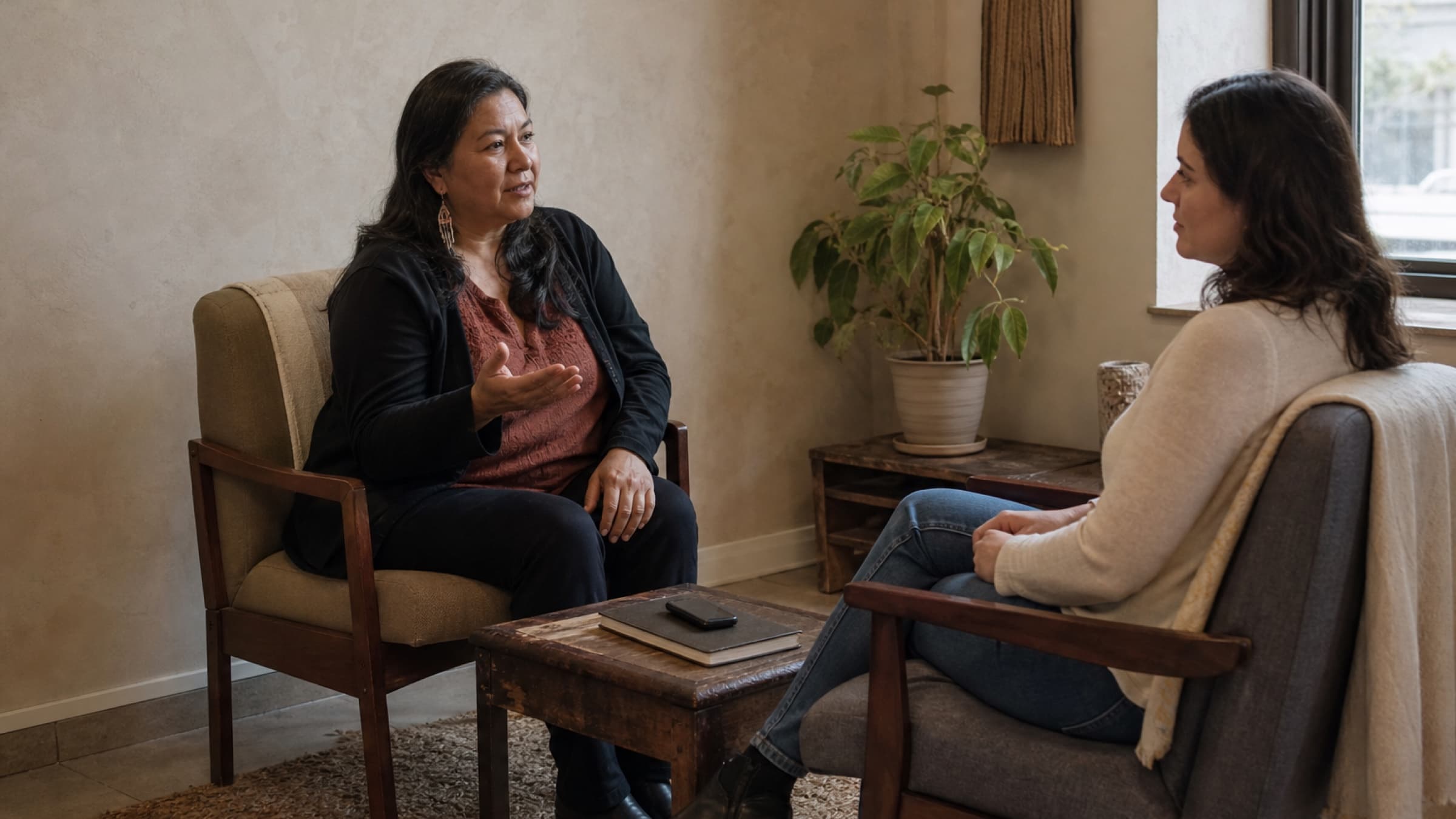
The client needs to hear what you plan to record, why you want to record it, and what will happen if they would rather not. They should have enough time to ask a question before the microphone turns on.
You can keep the explanation short:
I use a recording tool to help me draft my clinical note after the session. I review and correct the draft myself. Are you comfortable with me using it today? It is completely fine to say no, and I can take notes the usual way instead.
Use the consent process required by your profession, practice, and location. A plain conversation can make that process understandable, but it does not replace any form or documentation your own rules require.
Explain what the tool does in ordinary language
You do not need to give the client a tour of the technology. You do need to answer the questions that affect their decision.
Cover these points in language you already use:
- What will be recorded: the full session, a short part of it, or only your dictation afterward
- Why you are using it: to help prepare a clinical note
- What you will still do: review, correct, and take responsibility for the finished note
- What the alternative is: ordinary written notes or post-session dictation without the client present
- How the client can ask you to pause or stop
Avoid calling the tool invisible, automatic, or harmless. Those words may be meant to reassure, but they can make a careful client feel that their concern has already been dismissed.
The most reassuring thing is usually the truth: this is a documentation tool, you remain responsible for the note, and the session can proceed without it.
Make room for an honest no
Consent is harder to give freely when the client thinks saying no will disappoint you, delay care, or make them look difficult.
Your tone matters. Ask before you begin the clinical conversation, then stop talking. Do not keep filling the silence with reasons the tool is useful. Let the client think and answer.
If they hesitate, offer the alternative once:
No problem. I will take notes the way I normally do.
Then move on. Do not ask what worries them unless they choose to explain. Do not make the rest of the appointment feel like a consequence of their decision.
This is also worth remembering with returning clients. A yes from a previous session does not have to become an assumption forever. A brief check at the start keeps the choice visible and gives the client an easy way to change their mind.
Count everyone who can be heard
A session does not always contain only one practitioner and one client.
A parent may attend with a young person. A partner may join for part of a conversation. A student, interpreter, caregiver, or second practitioner may be in the room. A virtual participant may join after the appointment begins.
Before recording, look around and name everyone who may be captured. Confirm that your required consent process covers every participant. If someone joins late, pause before they enter the recorded conversation and explain what is happening.
This small habit prevents the awkward moment where a new voice appears halfway through and you realize the original question no longer covers the room you are actually in.
Choose the least recording you need
Full-session recording and post-session dictation solve different problems.
A full-session recording may help when the order and detail of the conversation matter. Post-session dictation may be enough when you can summarize the relevant clinical information clearly after the client leaves.
Do not record a whole appointment simply because the option exists. Ask what would genuinely help you create an accurate note. If a two-minute dictation after the door closes will do the job, that may be the quieter choice for everyone.
It also helps to decide before the day begins which appointment types are suitable for recording. You may use it for longer assessments but not short follow-ups, or for sessions with one participant but not groups. A simple practice rule keeps you from making the decision while the client is waiting.
Prepare the room before you prepare the note
The physical setup can either support the conversation or keep interrupting it.
Test the microphone before the client arrives. Close unrelated apps. Silence personal notifications. Make sure the device is charged and placed where it can capture the session without sitting between you and the client like a third participant.
Then check the room itself:
- Is the door closed and the space appropriately private?
- Are any smart speakers or personal recording devices active?
- Will hallway noise or music make the recording difficult to use?
- Does a virtual participant know that recording has not started yet?
- Can you reach the stop control quickly if the client asks?
The goal is not a studio-quality recording. It is a session that still feels like a session, with the technology quietly supporting the work instead of becoming the focus of it.
Stop cleanly when the session ends
Decide what marks the end of the recording.
It might be the moment you finish the clinical conversation, before the client books their next visit or chats at the door. It might be when you say, "That is everything I need for the note, so I am stopping the recording now."
Say it, press stop, and confirm that the tool has actually stopped. This protects the ordinary conversation that often happens after the formal session and prevents you from collecting material you did not need.
If the client asks you to pause during the appointment, pause immediately. You can decide together whether to resume later. The request does not need a justification.
Treat the draft as clinical work
A generated note is a starting point, not the record you sign without reading.
Review names, dates, measurements, medications, symptoms, and follow-up plans with particular care. Remove details that were heard correctly but do not belong in the clinical record. Add important context the recording did not capture. Make sure the language reflects your own assessment rather than sounding more certain than you were in the room.
This review is not cleanup around the edges. It is the point where a useful draft becomes your note.
Build time for it into the appointment workflow. A scribe that saves typing but creates an unchecked queue at the end of the week has only moved the problem.
Make the process repeatable
Write a short recording routine your whole practice can follow:
- Ask before the clinical conversation begins.
- Confirm the required consent has been recorded in the right place.
- Check every participant in the room.
- Start only after the client agrees.
- Pause or stop when asked.
- End the recording before the appointment becomes casual conversation.
- Review and correct the draft before finalizing the note.
Practice the explanation with a colleague. Time it. Make sure the alternative is ready, so saying no never creates a scramble for paper or a visible change in your mood.
The best process makes the recording feel neither secret nor important. It is simply one optional way to support documentation, introduced clearly and used with care.
If you use Stillpoint, the optional AI Scribe keeps full-session recording behind an explicit consent confirmation and can also work from post-session dictation. It generates a structured note for you to review, so the clinical judgment stays with you. See Stillpoint's AI practice tools.