
Document with confidence. Every session.
Structured SOAP notes with reusable templates and encrypted storage. With client consent, AI Scribe can draft a note from a video session for the practitioner to review, edit, and sign.
A short film without narration; its words are on screen. Note templates written for the practice's kind of work, each section shaped to how the practitioner works, with a choice of what carries forward from one visit to the next. A visit's note opens on its template with the last visit one tap away: a score shows its change since then, and the treatment goals carry over. A signed note is dated and kept as it was, every note adds to the client's record, and the practitioner chooses who on the team can read it. Or AI Scribe, an optional add-on, drafts it.

A conversation first. A draft note after.
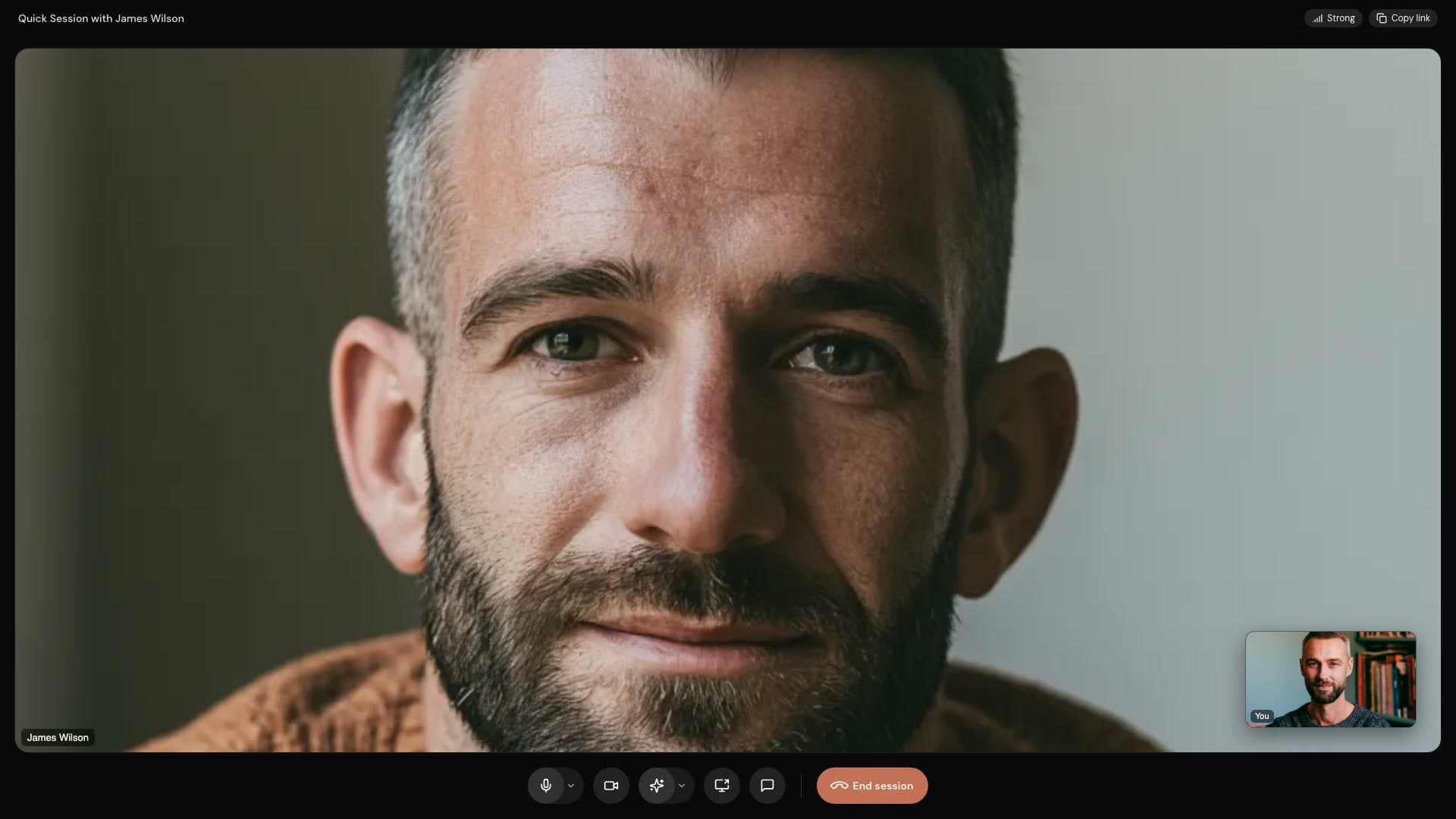
Meet through built-in video. With the AI Scribe add-on and your client's consent, Stillpoint can transcribe the visit and prepare a structured note for the practitioner to review, edit, and sign.
- 01
Meet in Stillpoint
Open a booked video visit or start a Quick Session.
- 02
Confirm consent
With the client's consent, start Transcribe during the session.
- 03
Review the draft
When the call ends, edit the drafted note and sign it when it is ready.
Build once,
reuse everywhere.
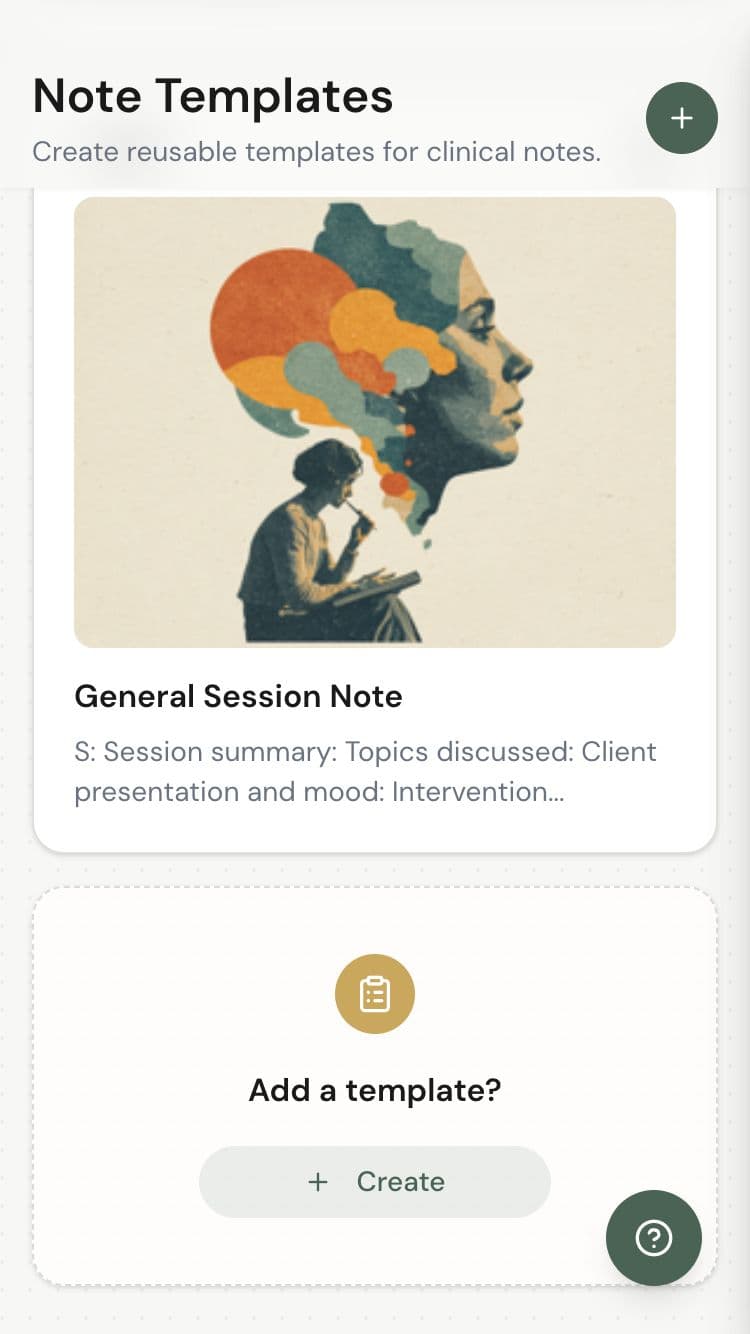
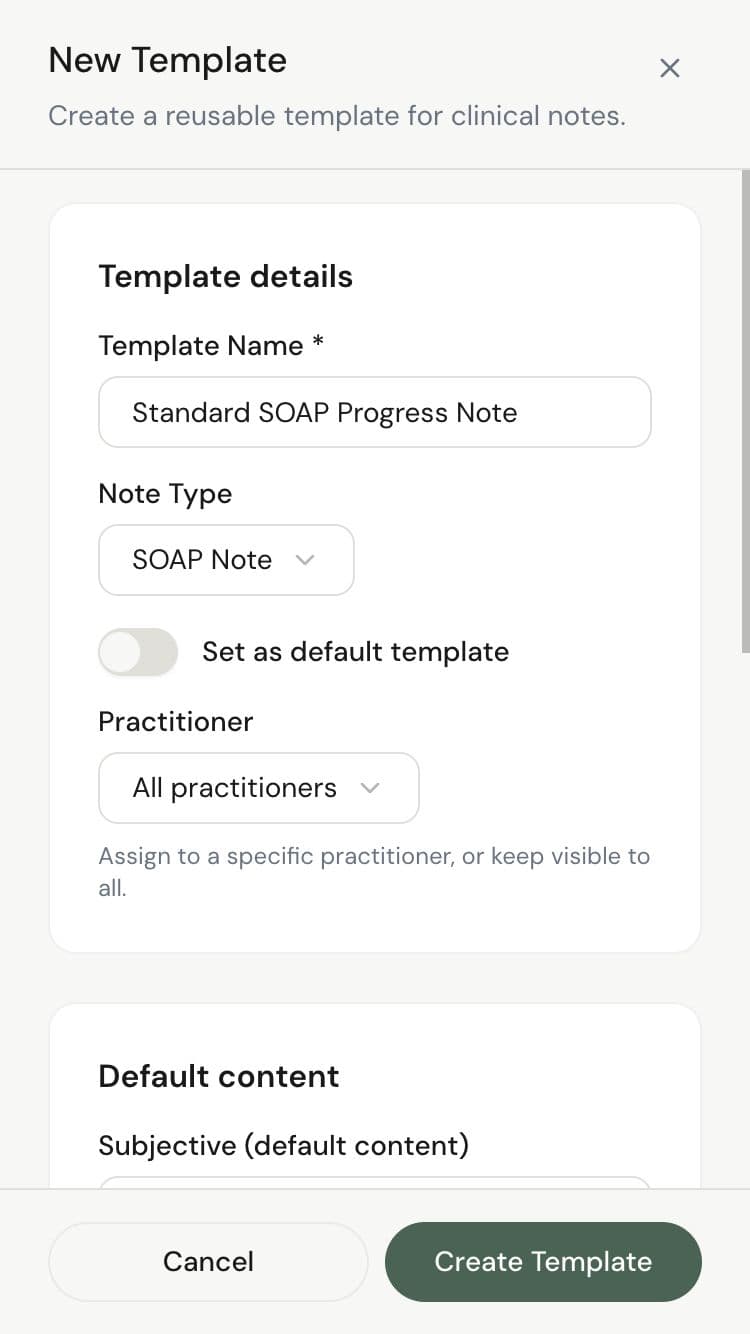
Create note templates for your most common session types. Initial assessments, follow-ups, treatment plans. Start from a template and customize per client. Save hours every week.
Session templates
Pre-built structures for initial assessments, follow-ups, and treatment plans.
Custom fields
Add dropdown options, free-form fields, or default text to match your workflow.
Per-practitioner sets
Every practitioner can have their own templates tailored to their specialty.
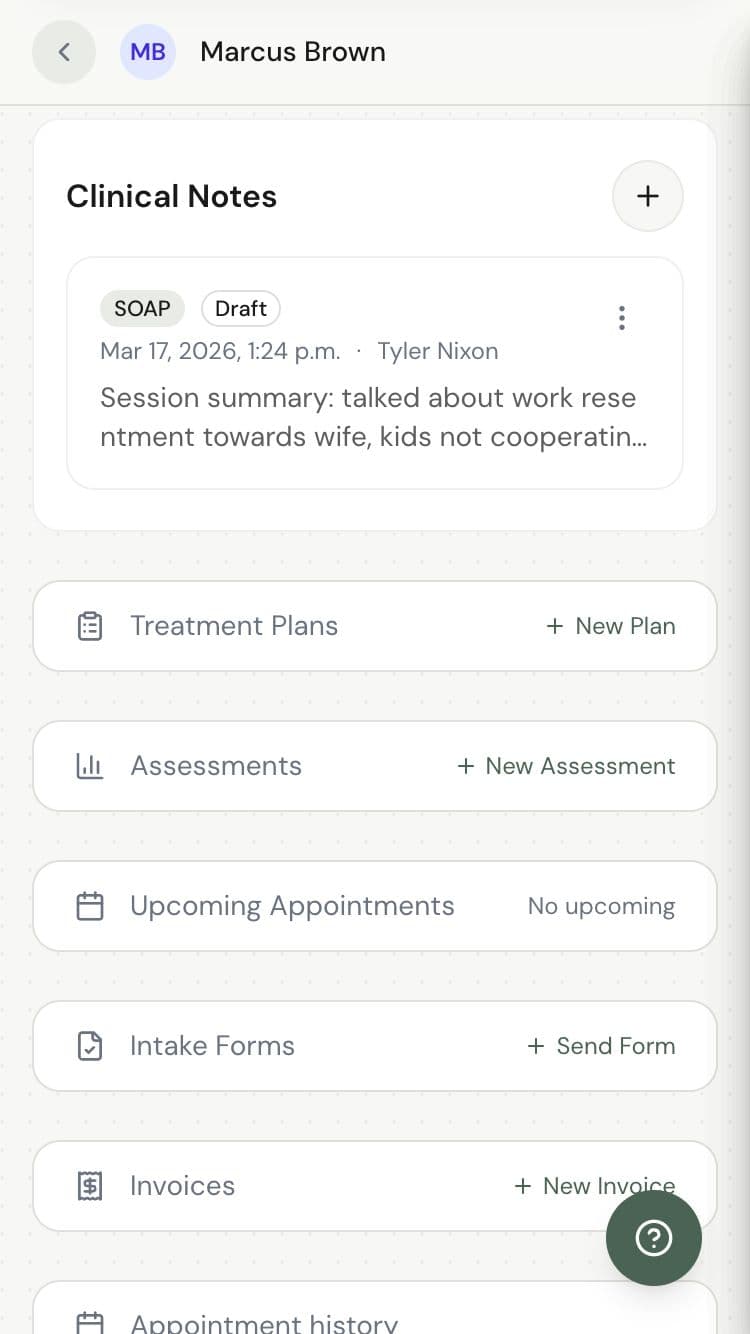
Complete history,
one click away.
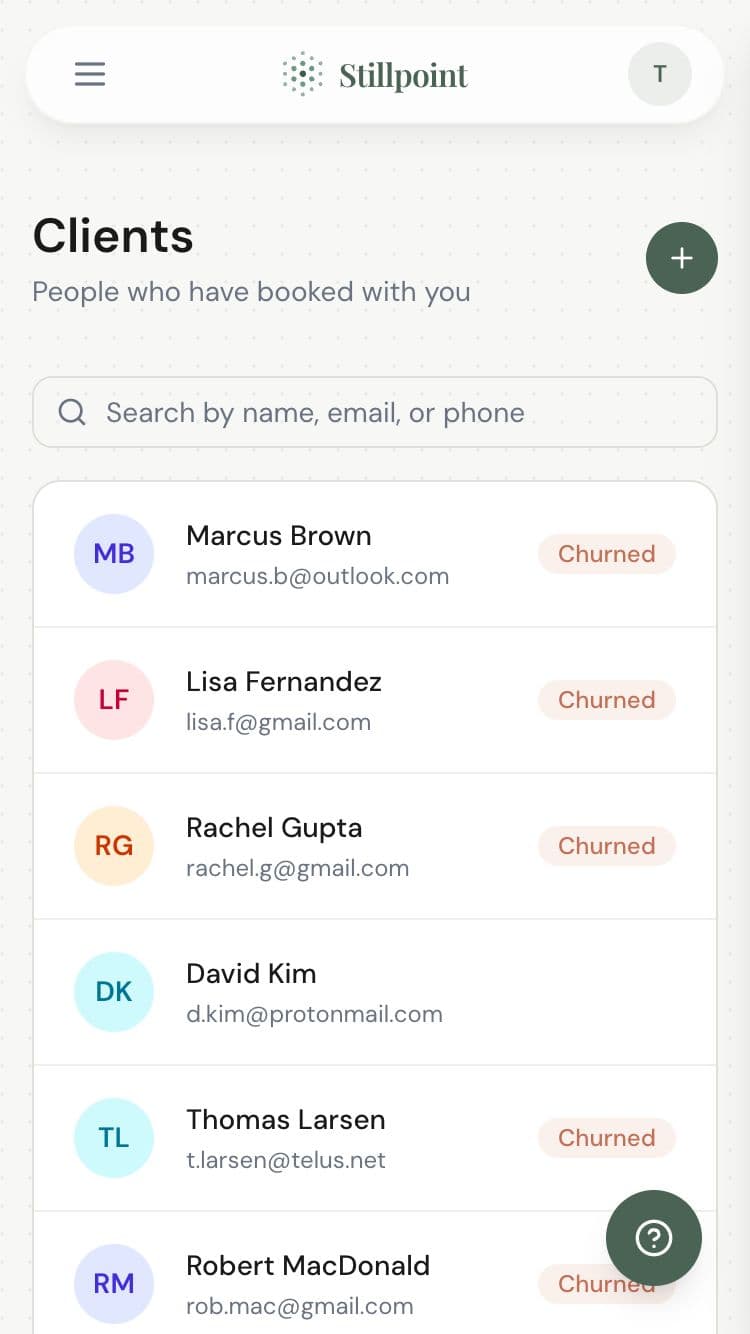
Every note is attached to the client's record. Browse session history chronologically, search for specific notes, and review past treatments. A complete clinical timeline at your fingertips.
Chronological timeline
All notes organized by date, with quick search and filtering.
Linked to appointments
Each note is connected to the appointment it was written for.
Encrypted at rest
All clinical content is encrypted at rest, and SOAP notes are encrypted again in the app.
Ready when you are.
Join wellness practitioners who use Stillpoint to fill their schedule and focus on what matters most.
Start Free© 2026 Stillpoint