
One practice. Every location.
Running more than one office? Manage all your locations from a single dashboard. Each location gets its own address, contact info, and availability, and clients always book the right one.
A one-minute film of multiple locations in Stillpoint, with music, on-screen text and no narration, on fictional practice data. It opens on a painting of a practice's open front door. The practice has an office and video visits, and adds a second office with its own address, phone and email. It joins the Locations page, where dragging sets the order clients see. A practitioner's profile shows the places they see clients, and each block of hours can be set for one location. On the booking page, clients choose where to come for a service, and each location is listed with its address.


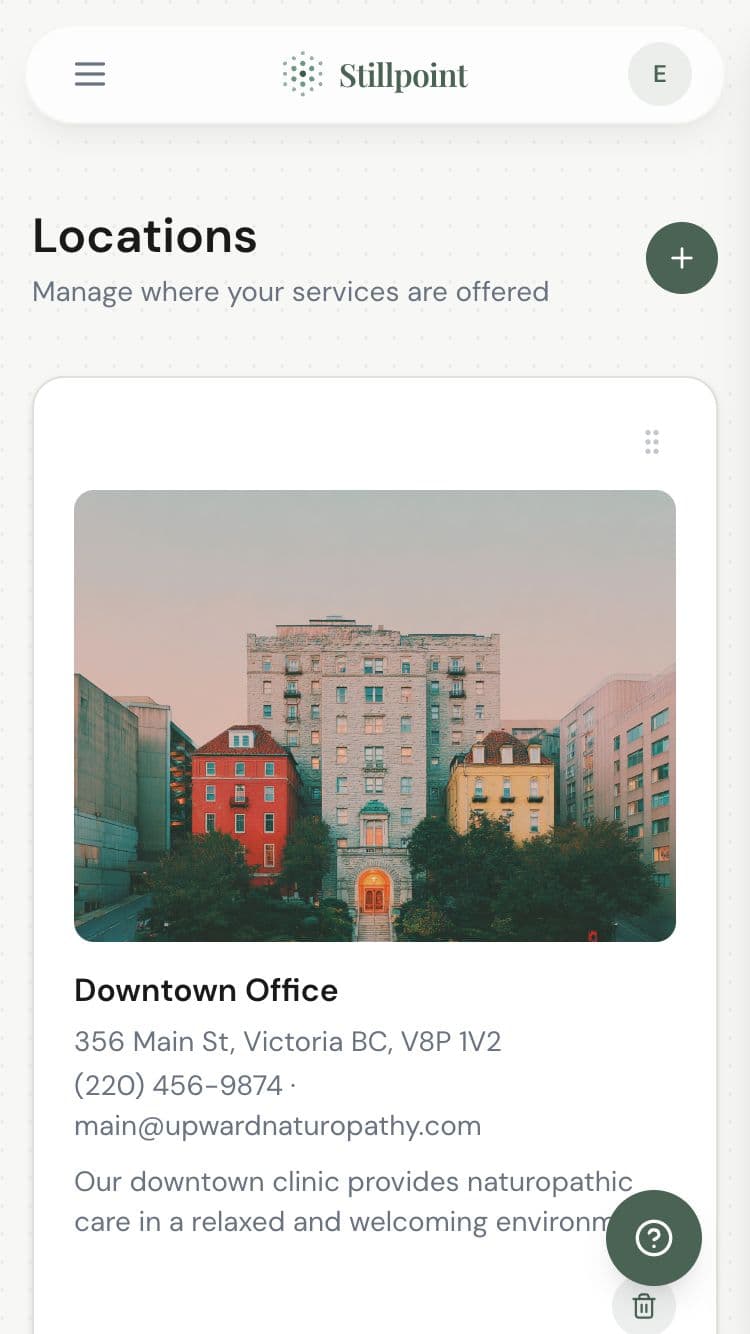
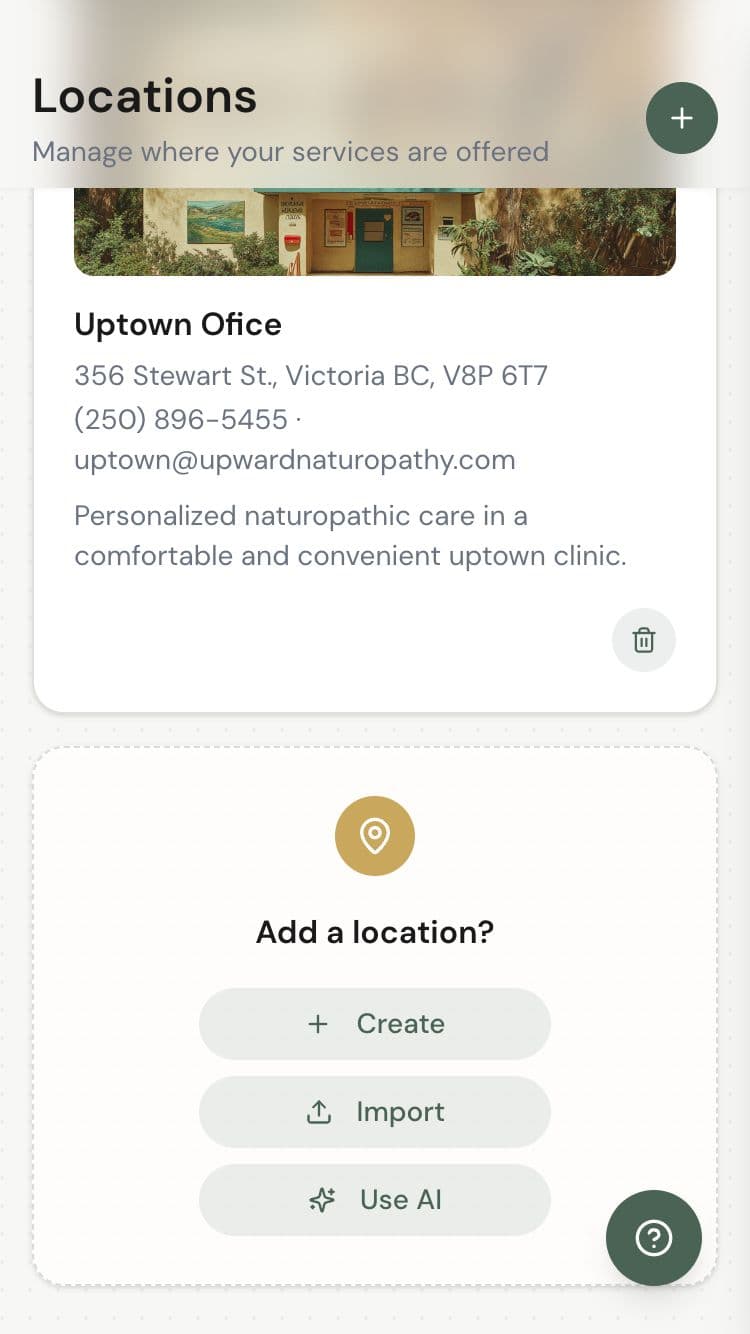
Add locations
in minutes.
Set up each location with its own address, phone number, and email. Reorder them to control how they appear on your booking page. Add or remove locations as your practice grows.
The right people,
the right place.
Assign practitioners to specific locations so clients only see available providers at each office. When a practitioner works at multiple locations, their availability stays in sync everywhere.
Per-location rosters
Each location shows only the practitioners who work there.
Synced availability
Multi-location practitioners never get double-booked.
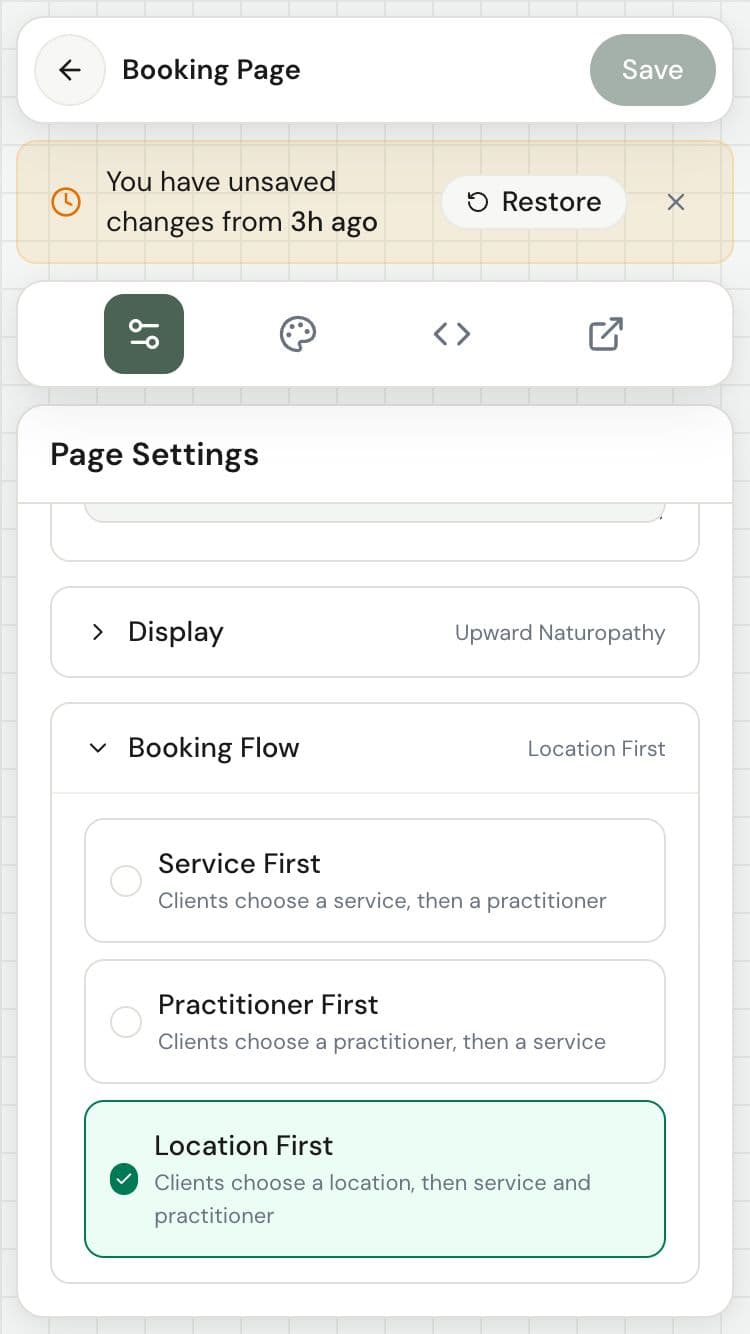
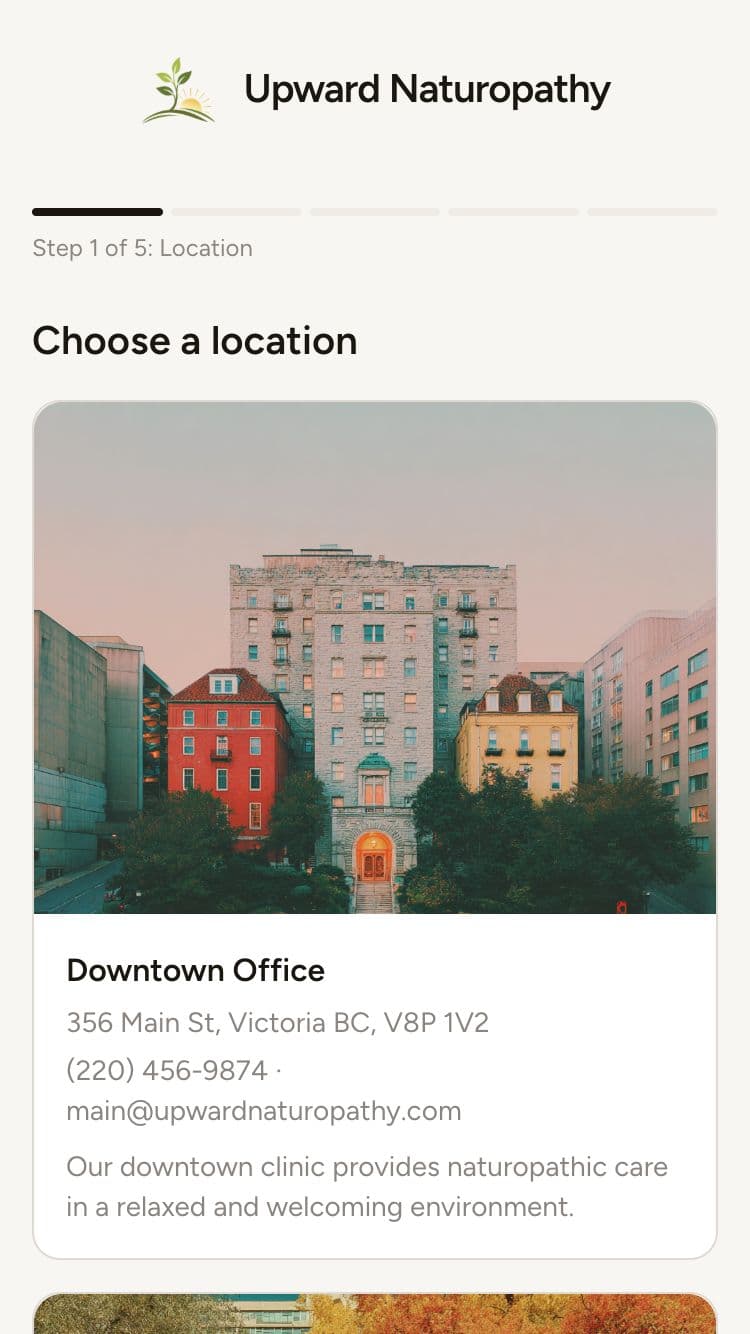
Location-aware booking
Clients pick a location first, then see the right services and providers.
Ready when you are.
Join wellness practitioners who use Stillpoint to fill their schedule and focus on what matters most.
Start Free© 2026 Stillpoint