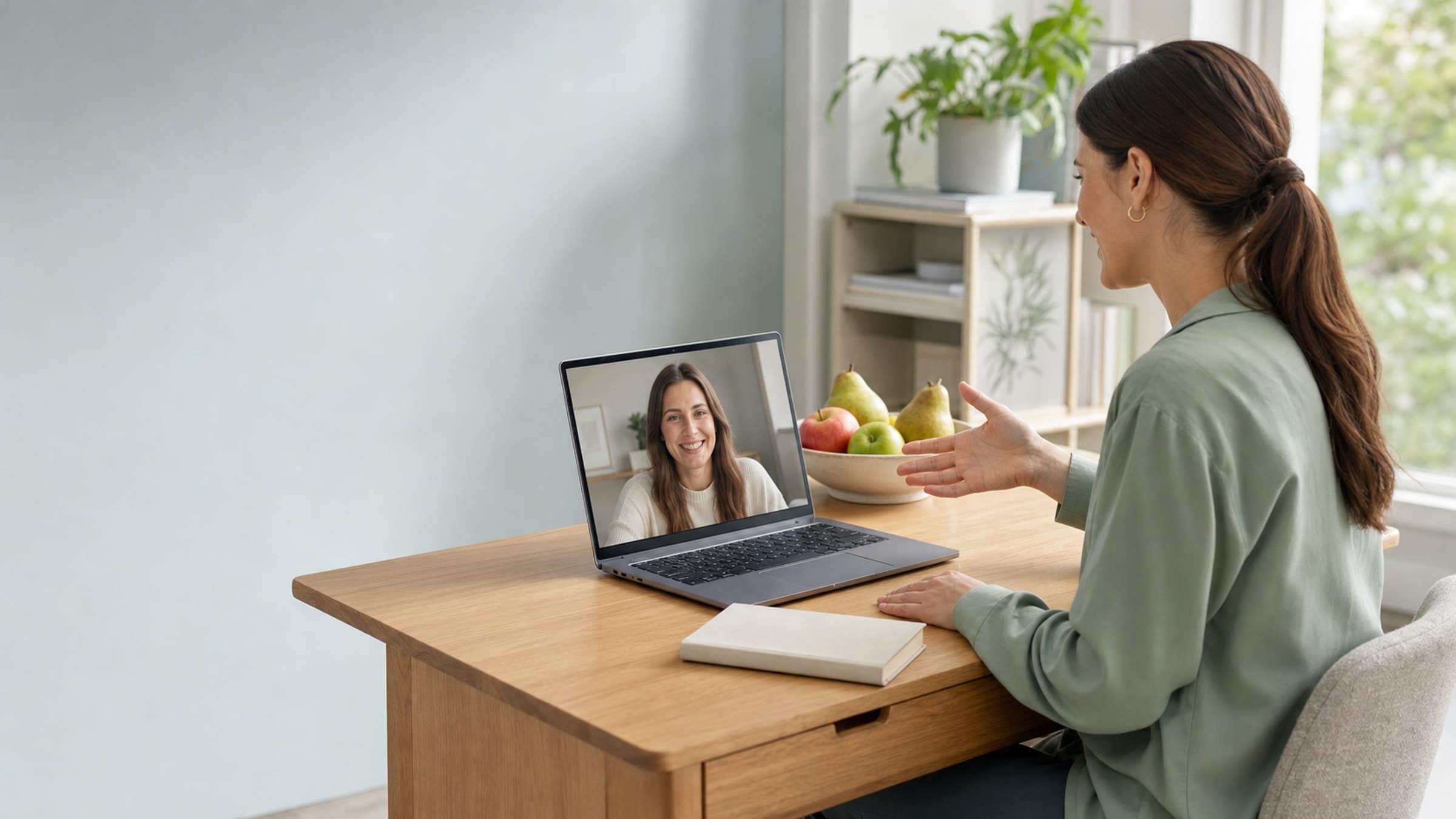
Set the stage for a professional experience
Your video environment matters more than you think. Choose a quiet, well-lit space with a clean background. Natural light from a window in front of you is ideal. Invest in a decent external microphone or headset - audio quality has a bigger impact on perceived professionalism than video resolution.
Test your setup before your first session of the day. Nothing erodes client confidence faster than five minutes of troubleshooting at the start of a paid appointment. Use a platform that lets clients join with a single click rather than requiring downloads or account creation.
Structure your sessions with intention
Without the natural rhythm of an in-person visit, virtual sessions can drift. Build a simple agenda for each call and share it with your client beforehand. A typical structure might look like this:
- Check-in (5 minutes) - How are they feeling? What has changed since last time?
- Review (10 minutes) - Walk through food logs, lab results, or progress photos together using screen sharing.
- Plan (10 minutes) - Adjust the current plan or introduce new recommendations.
- Next steps (5 minutes) - Assign action items and schedule the follow-up.
This kind of structure keeps sessions focused and helps clients feel like they are getting real value for their time.
Make meal plan sharing seamless
One of the biggest friction points in virtual nutrition practice is getting resources into your client's hands. Emailing PDFs back and forth gets messy fast. Instead, use a system where meal plans, handouts, and guides live in a shared space your client can access anytime. When everything is organized in one place - alongside appointment notes and progress tracking - clients stay engaged between sessions.
Stillpoint makes this easier by keeping client records, scheduling, and communication in a single platform, so you are not stitching together five different tools to deliver a cohesive experience.
Build follow-up workflows that keep clients engaged
The real work of nutrition counseling happens between sessions. Automated check-ins a few days after each appointment show clients you care about their progress without adding hours to your week. A simple message asking how a new meal plan is going, or reminding them to log their meals before the next session, can make a meaningful difference in outcomes.
Set up automated reminders for upcoming appointments as well. Virtual sessions are easy to forget when there is no physical office to drive to. A reminder the day before and an hour before significantly reduces no-shows.
Make virtual feel personal
Small touches go a long way. Use your client's name. Reference specific details from previous sessions. Send a brief summary after each call so they have something concrete to refer back to. These details signal that you are paying attention and invested in their progress, even through a screen.
Consider starting each new client relationship with a short welcome message that sets expectations for how virtual sessions work, what they should have ready, and how to reach you between appointments.
Start building your virtual practice
Running effective virtual consultations is less about the technology and more about the systems you build around it. For more on building a thriving nutrition practice, see our guide to client retention in nutrition. With the right structure, your clients will look forward to every session.
If you are ready to bring your scheduling, client management, and communications into one place, sign up for Stillpoint and see how it simplifies your nutrition practice.