List every step between the street and the treatment room
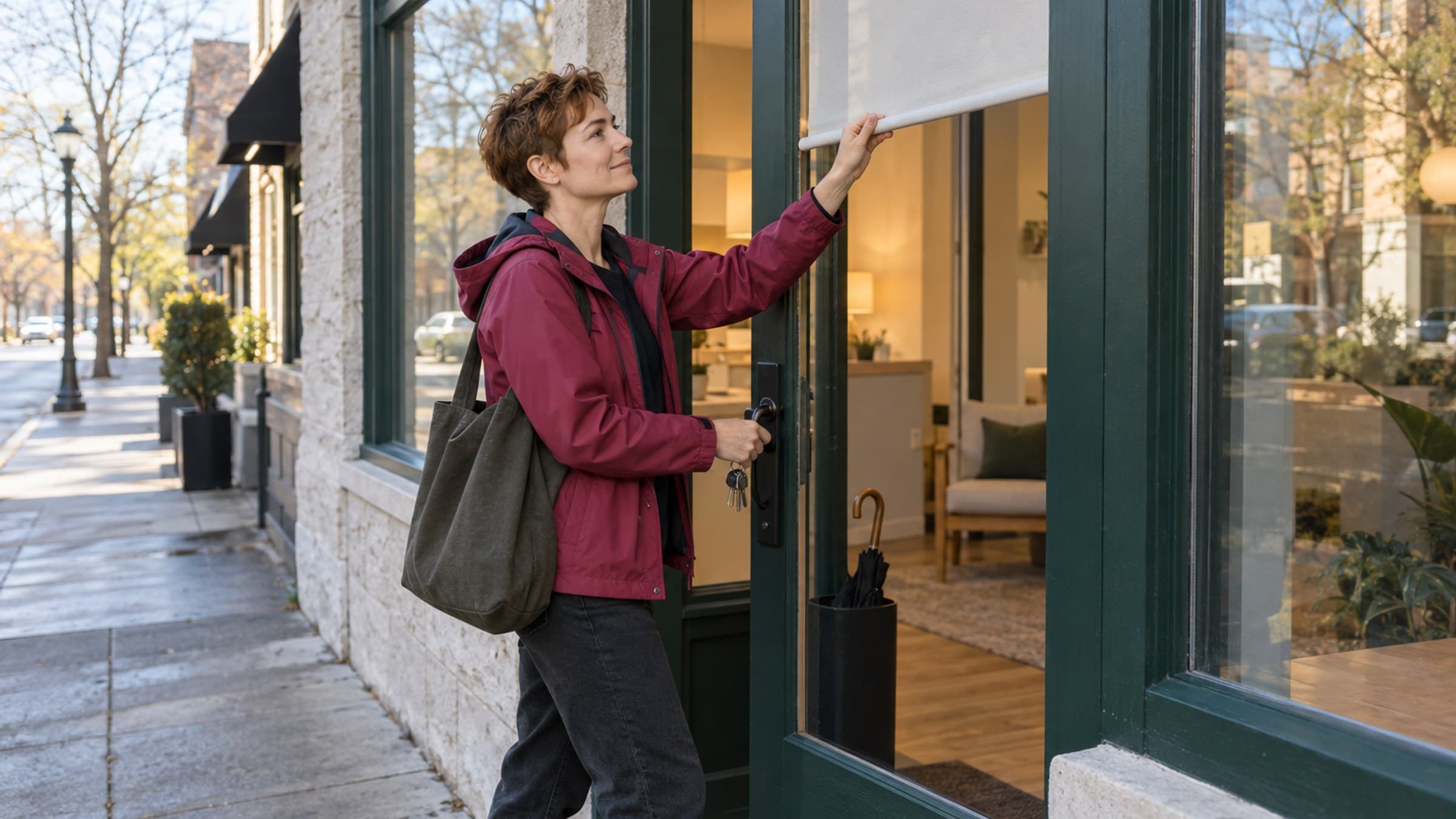
Start at the place where someone arrives before the practice is open. Walk the route all the way to the room where the first appointment happens.
Write down each access point:
- the exterior building door;
- a gate, elevator, or shared hallway;
- the practice door;
- an alarm panel;
- a locked supply, records, or equipment area; and
- any room that must be opened before a client arrives.
For each one, name what actually grants access. It may be a metal key, fob, keypad, mobile app, building intercom, or a person at a front desk.
This walk often reveals that the practice does not have one access problem. It has a chain of them. A spare key for your own door does not help if the building fob is still in someone else's bag. A working fob does not help if nobody knows how to disarm the alarm.
Keep the list operational. It should say which doors and systems are involved, not include the codes or credentials themselves.
Choose a real backup holder
"Someone else has a key" is not a backup plan. Name the person.
Choose someone who is likely to be available when the practice usually opens. In a group practice, that may be an owner, administrator, scheduler, or practitioner who regularly works early. In a solo practice, it may be a trusted business partner, building manager, or another person permitted by your lease and insurance arrangements.
Ask three practical questions:
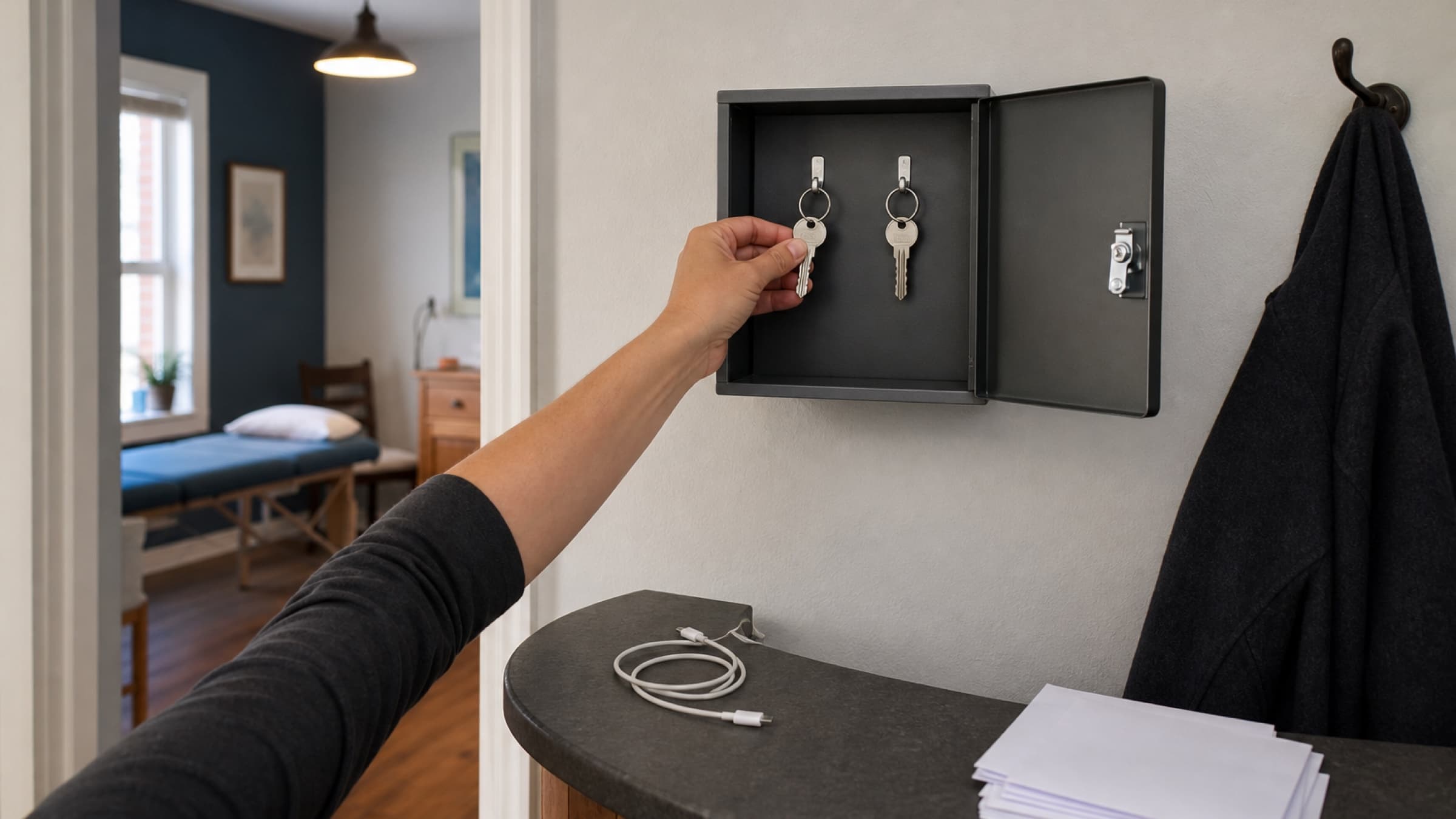
- Do they still have the key or fob?
- Does it still work?
- Would they know what to do if you called at opening time?
A key left in a drawer two years ago may have been cut before a lock changed. A fob may have expired. A building contact may no longer work the same hours. The backup only exists after you test it.
Avoid solving the problem by making many uncontrolled copies. Access should be sufficient, not casual. Keep a current record of who holds each key or fob, and collect it promptly when a staff member leaves or no longer needs access.
Separate opening access from full access
The person who can open the front door does not automatically need access to every part of the practice.
Think in layers. Someone covering an opening shift may need the building door, practice entrance, alarm procedure, waiting area, and calendar for the day. They may not need a clinical records room, medication storage, financial files, or broad administrative permissions.
This distinction matters in both the physical practice and your software. Give people the access required for the work they are responsible for. Do not turn a temporary opening responsibility into permanent access to unrelated information.
If a backup person will greet the first client but is not part of the care team, keep the handoff simple. They need to know that an appointment is expected and which practitioner is responsible. They do not need the reason for the visit, health information, or private notes.
Write a five-line opening note
Create a short opening note that someone can follow without calling you for every step. Keep it somewhere approved for operational instructions, separate from alarm codes, passwords, client information, and other sensitive details.
It might cover:
- which entrance to use before the building is fully open;
- which lights or shared equipment need to be turned on;
- where the first client should wait;
- how to confirm which room and practitioner are scheduled; and
- who to contact if a door, alarm, or building system fails.
Write the note for a stressful morning. Use direct actions in the order they happen. "Open the practice" is too broad. "Enter through the rear staff door, switch on the reception lights, and check the first appointment's room on the calendar" is usable.
Do not put access codes in a general task title, team message, or printed sheet beside the door. Store sensitive access details through the secure method your practice has chosen, and tell the backup holder how to reach that method.
Test the plan before the first appointment
Choose a quiet time and ask the backup holder to open the practice without coaching from you.
Watch for the small failures that a written plan can hide:
- The key works in the practice door but not the building entrance.
- The alarm instructions refer to an old panel.
- The opening person cannot see the shared calendar.
- The first room is locked with a different key.
- The building contact number goes to voicemail outside office hours.
- The client waiting instructions assume reception is staffed.
Fix the route while you are standing in it. Replace an unreliable key. Request a second building fob. Update the contact. Correct the opening note. Confirm the right software role and calendar access.
The test is complete when the backup person can get from outside to a ready first room and knows where to stop if something unexpected happens.
Give the morning one decision maker
An access problem becomes harder when several people begin making separate plans.
Name one person who decides whether the practice can open safely, whether the first appointment needs to move, and who contacts affected clients. This may be the owner on a normal day and an administrator when the owner is away.
Set a short decision time. For example, if nobody can enter 20 minutes before the first appointment, the backup holder contacts the decision maker. If the problem is not resolved by the agreed time, one person begins the client communication plan.
The goal is not to cancel quickly. It is to avoid leaving clients without a clear answer while the team waits for a door to open.
Keep the message factual. Say that the practice is dealing with an access issue and confirm the next step. Do not invent a detailed explanation or ask each practitioner to send a different version.
Review access whenever people or places change
Add the backup check to changes that already deserve operational attention:
- a staff member joins or leaves;
- the practice moves or adds a location;
- building management changes;
- a lock, alarm, or entry system is replaced;
- early, evening, or weekend hours are added; or
- the usual opening person changes their schedule.
A quarterly check is also reasonable for a stable practice. It can take five minutes: confirm the holders, test the spare, verify the building contact, and read the opening note once.
You are not trying to prepare for every possible emergency. You are removing one fragile dependency from an ordinary workday.
Stillpoint's Team page lets owners and admins invite people and choose the access role that fits their work. Its shared calendar keeps appointments, practitioners, rooms, and services together, so a backup opener can see the operational morning without needing unrelated access. If one person and one key currently hold the whole routine, this is a good week to test the second path.