Draw the whole appointment once
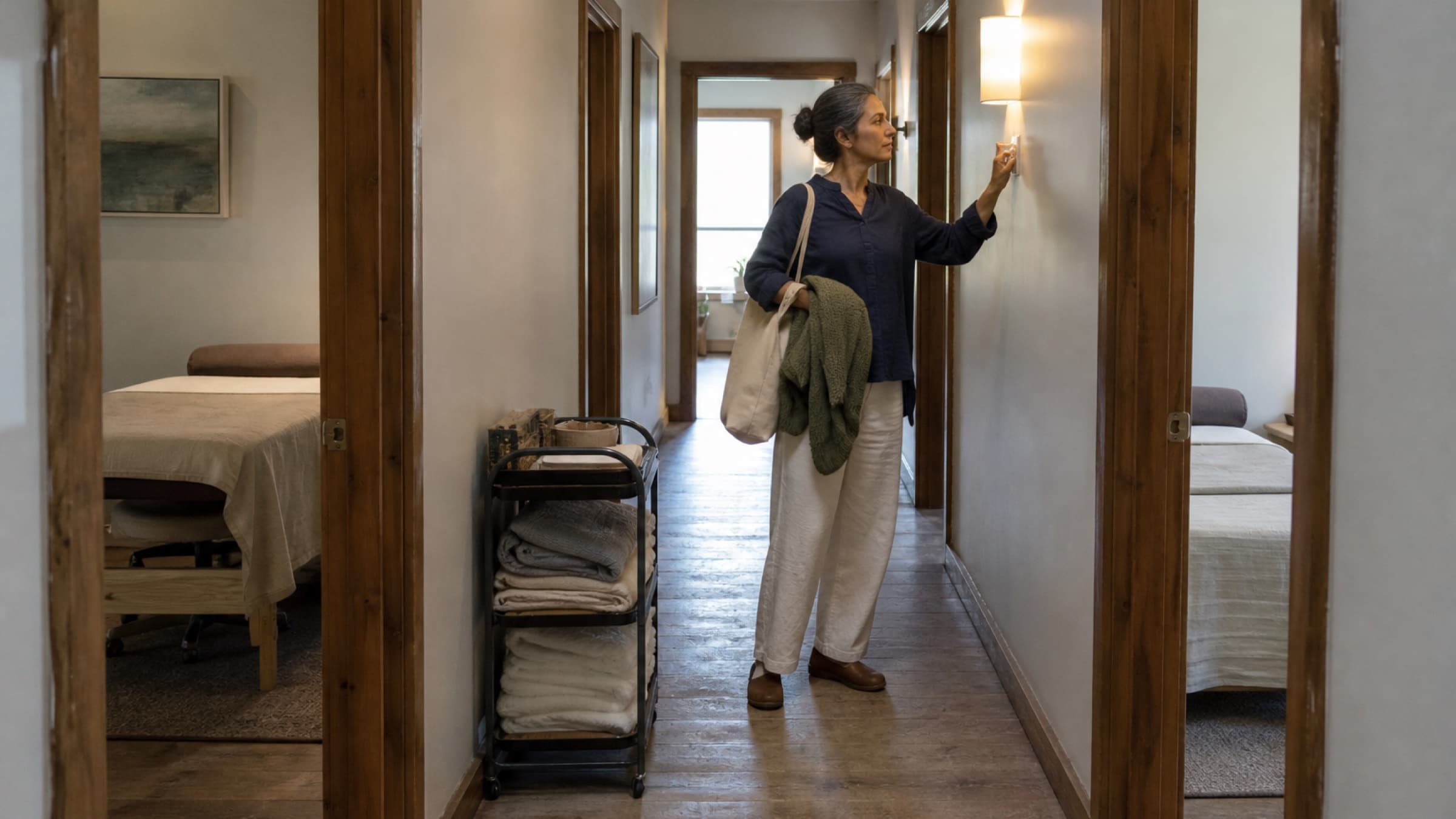
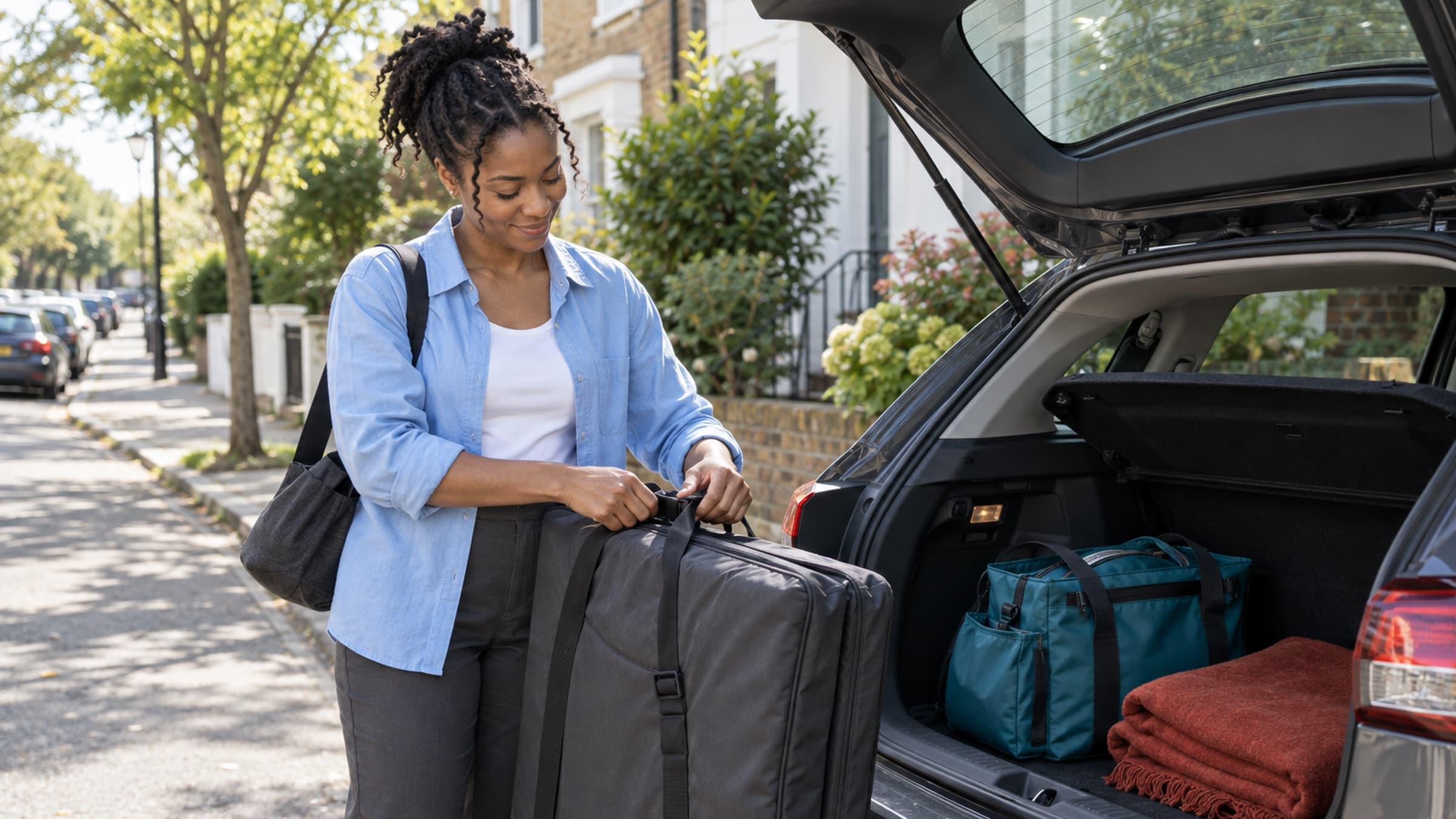
Choose one recent home visit and write down every step from the moment you began preparing to the moment you were ready for the next part of your day.
Include:
- gathering and checking equipment;
- loading the vehicle or carrying items to transit;
- travel to the area;
- finding parking or walking from the stop;
- reaching the correct entrance, floor, or unit;
- setting up the space;
- the session itself;
- packing and leaving;
- completing any immediate documentation; and
- travelling to the next appointment or back to your base.
Do not use your best day as the example. Use an ordinary visit with ordinary traffic and one or two ordinary pauses.
You are not trying to make home visits look inefficient. You are finding the work that the calendar has been hiding.
Separate session time from the travel envelope
The client is paying for the session. Your schedule still has to hold the whole visit.
Think of the appointment as three blocks:
- Before: preparation, loading, travel, parking, entry, and setup.
- During: the client-facing service.
- After: packing, a necessary note, travel, and reset.
The before and after blocks will not always be the same length. A first visit may require more time to find the entrance and understand the setup. A familiar building may be quicker. A service with portable equipment may need a longer reset than a conversation-based appointment.
That variation does not mean you should leave the edges blank. It means you need a reasonable default and a way to make exceptions deliberately.
Choose a travel budget you can keep
Start with a travel area you can describe without consulting a map for every request. It might be a set of neighbourhoods, a radius from your practice, or a few postal-code areas that make sense together.
Then choose the amount of travel time you are willing to protect around a typical visit in that area. Base it on normal conditions, not the fastest route your phone has ever shown.
Ask:
- What does the drive take at the time I usually travel?
- How often does parking add ten minutes?
- Do I regularly enter apartment buildings or secured residences?
- How much equipment am I carrying?
- What happens if the previous session ends five minutes late?
If the answer changes dramatically by time of day, create different home-visit windows rather than pretending one buffer works all week. A route that is comfortable at 11 a.m. may be unrealistic at 4:30 p.m.
Cluster visits instead of zigzagging
Travel time becomes easier to protect when the day has a shape.
You might keep Tuesday mornings for one part of town and Thursday afternoons for another. You might offer home visits only before your clinic day begins, or group them into one mobile half-day instead of placing them between office appointments.
This is not about making clients fit an elaborate route. It is about avoiding a schedule that sends you east, west, and east again because each appointment looked possible on its own.
When a request falls outside the area or time you normally serve, decide whether it is a one-off exception before you put it on the calendar. Count the extra travel in both directions. If accepting it would make the next appointment fragile, offer another window or say no.
Protect both sides of the booking
A buffer before a home visit prevents another appointment from ending at the exact moment you need to leave. A buffer after it keeps the next client from inheriting every small delay.
Do not treat the return trip as optional simply because your session has ended. If the next item is an office appointment, a school pickup, or another home visit, the travel belongs between the two commitments.
Keep a little difference between the minimum possible transition and the transition you publish. If the route usually takes 22 minutes, a 25-minute gap is not protection. It is a three-minute bet against traffic, parking, and conversation.
Your buffer does not have to absorb every emergency. It should absorb the ordinary variation that happens often enough to predict.
Ask for arrival details without scattering them
A home visit needs more logistical information than an office appointment. Ask for the service address, access instructions, parking information, and a phone number for an arrival problem through the approved booking or client workflow you use.
Keep that information out of loose paper lists, personal text threads, and calendars other people can see. A client's home address can be sensitive. It should not become a label on an equipment bag or a note left on the passenger seat.
The practitioner needs a clear route to the details. Everyone else needs only the operational information required for their role.
Send the client a short arrival expectation too. Tell them the window you are aiming for, how you will contact them if access is difficult, and what space or preparation the service needs. Avoid promising an exact doorbell minute when the route cannot support one.
Decide what happens when the day runs late
Make the rule before you are sitting in traffic.
For example:
- At ten minutes behind, send a brief updated arrival time when it is safe to do so.
- If the delay would shorten the service, contact the client before arriving and agree on the next step.
- If the remaining window cannot support a safe, complete visit, reschedule rather than rushing the session or the drive.
Never type while driving. Pull over safely, use an approved hands-free process that follows local law, or ask a colleague to send the operational update if your practice has that support.
The client does not need a running account of traffic. They need a calm, accurate expectation and a clear choice if the visit can no longer happen as planned.
Review four visits, not one frustrating day
After four home visits, compare the time you protected with the time you actually used.
Look for a pattern:
- Did parking repeatedly take longer than expected?
- Did setup vary by service or by building type?
- Did notes keep spilling into the drive home?
- Did one part of your service area create most of the delay?
- Was the buffer large enough on ordinary days but too small during one time window?
Adjust the system that repeats. You may need a longer service buffer, a smaller travel area, a different mobile block, or clearer access questions before the visit. Do not redesign the whole schedule around one unusual road closure. Do not ignore the same ten-minute miss four times either.
Give travel a real place on the calendar
Home visits can be a thoughtful, accessible way to work. They are also mobile appointments with real edges.
Map the whole visit, choose a travel budget, group the routes that belong together, protect time on both sides, and keep addresses in the right place. When the hidden work has a visible home, you can arrive settled instead of apologizing and finish the day without borrowing time from everything after it.
Stillpoint lets you set buffer time before and after each service, while the shared calendar keeps the rest of the day's appointments in view. If home visits are making the schedule feel tighter than it looks, start by giving the travel its own protected space in your scheduling setup.