Switch from Jane

How to switch from Jane App to Stillpoint

Free migration on every plan. Keep seeing clients in Jane until the day you choose.

  • Free on every plan
  • Keep Jane until you switch
  • Files uploaded inside Stillpoint
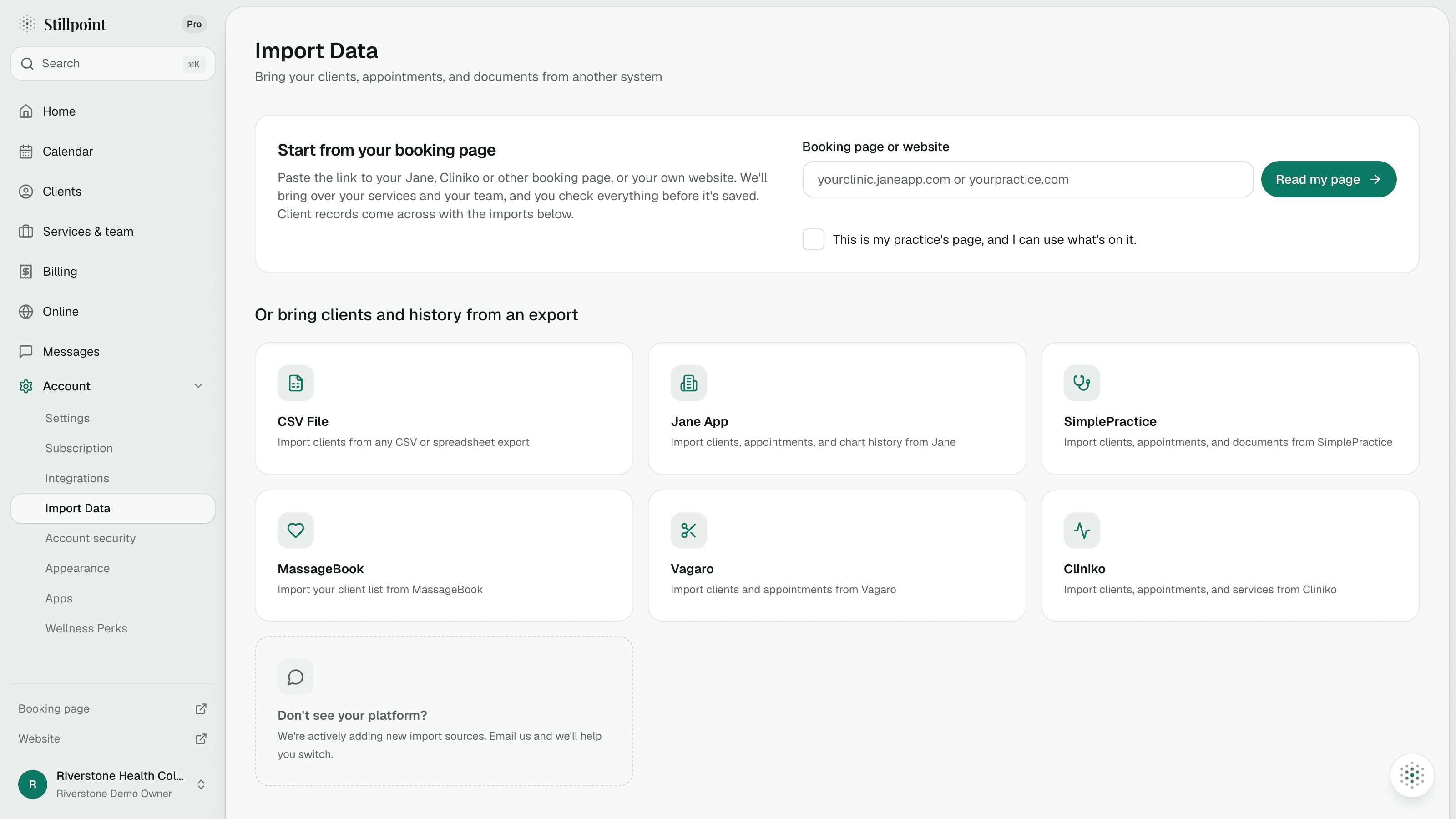
Stillpoint Import Data screen with booking page, CSV, and platform options
Free on every plan

The move

Your switch from Jane, step by step.

Four steps. Most of the work is an export you already know how to run.

  1. 01

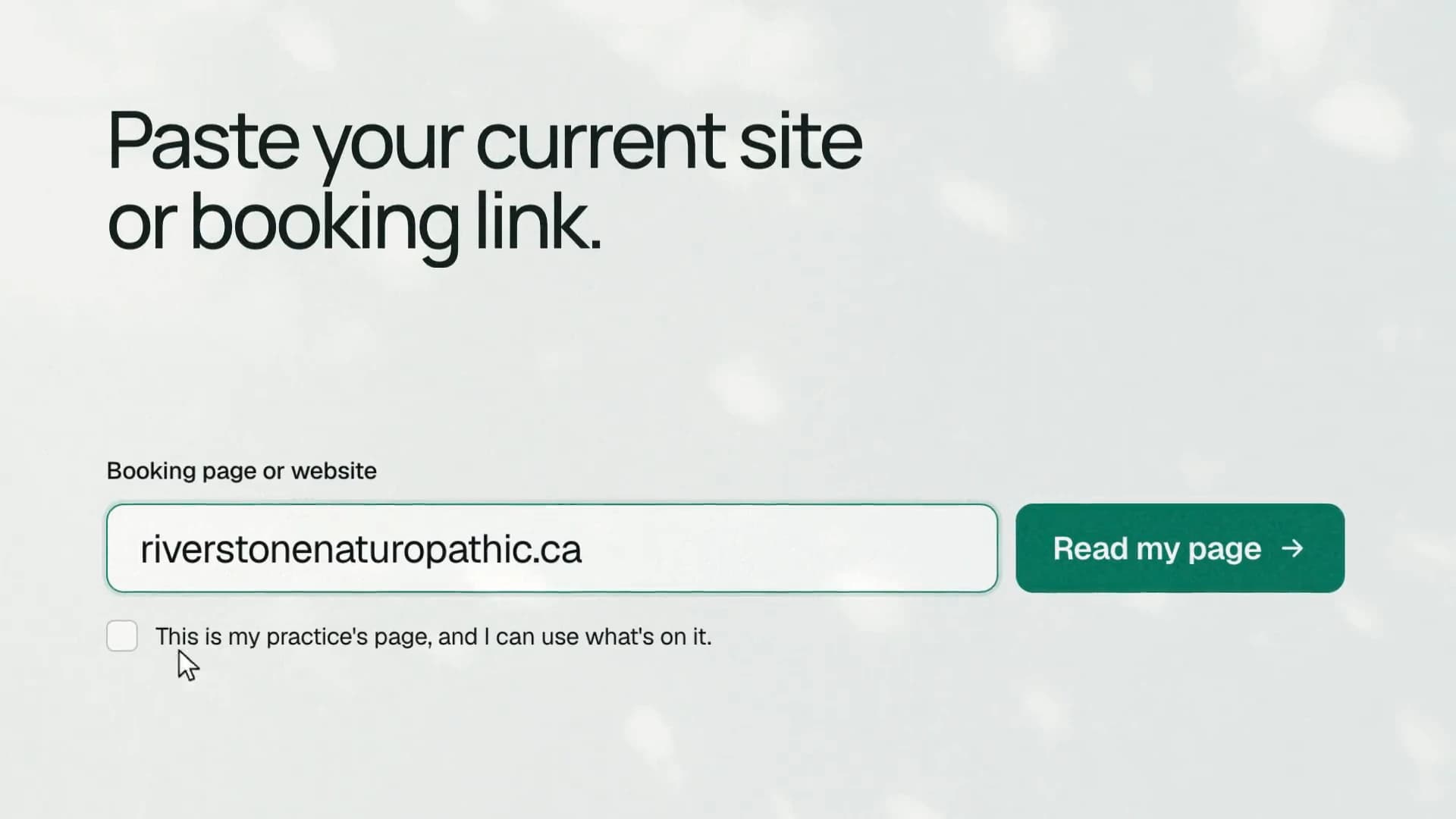
    Paste your Jane booking link

    Stillpoint reads your services, disciplines, and practitioners straight from your public Jane page.

    Stillpoint import screen with a booking page link
  2. 02

    Export clients and appointments

    Export the patient list, then Reports, then Appointments, as CSV. If Jane gives you Excel, save it as CSV first.

    Stillpoint import overview
  3. 03

    Add your chart PDFs

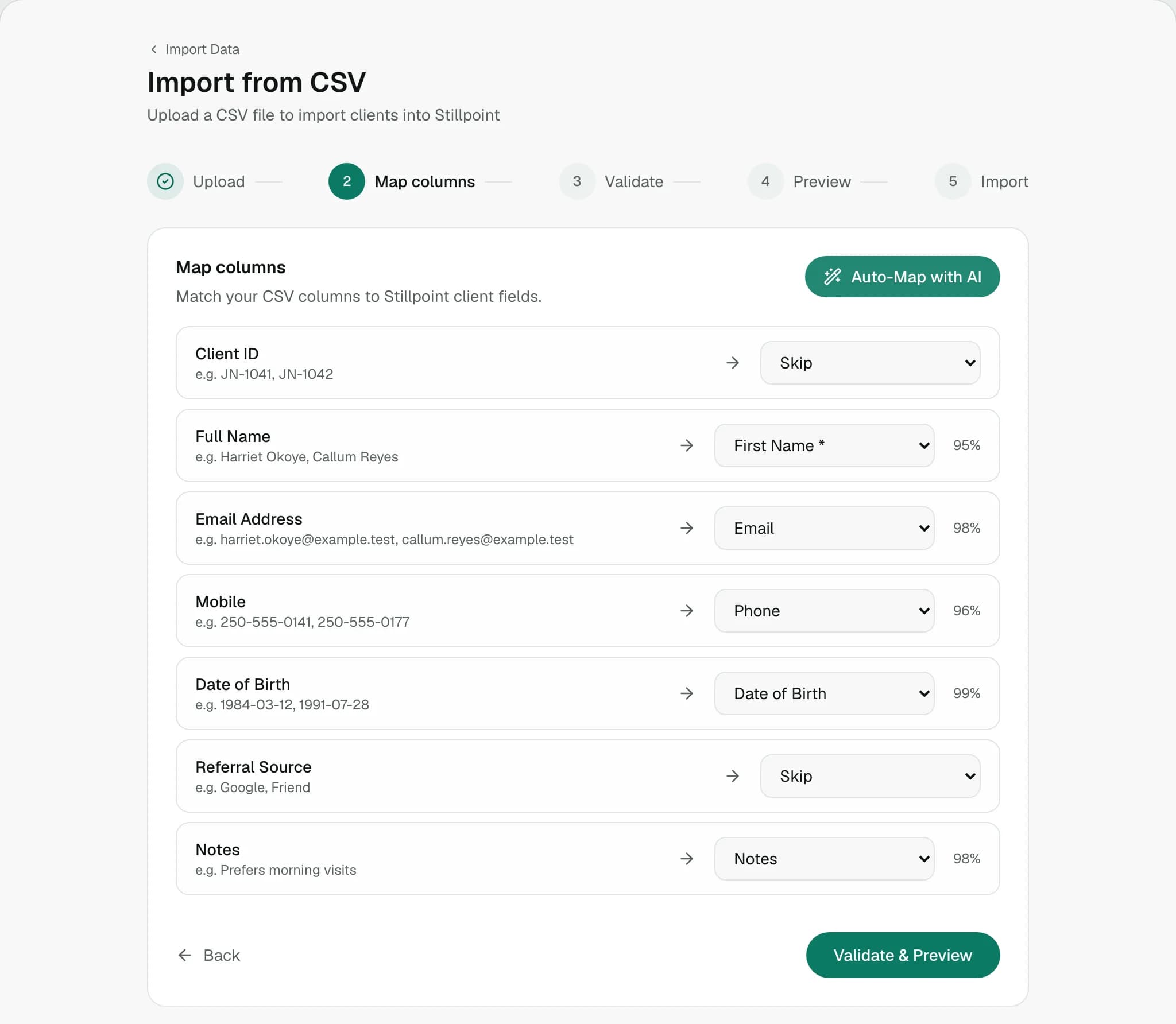
    Send a ZIP of chart PDFs with one folder per client. Each PDF is matched to its client and attached in Documents.

    Stillpoint import mapping screen
  4. 04

    Go live when you are ready

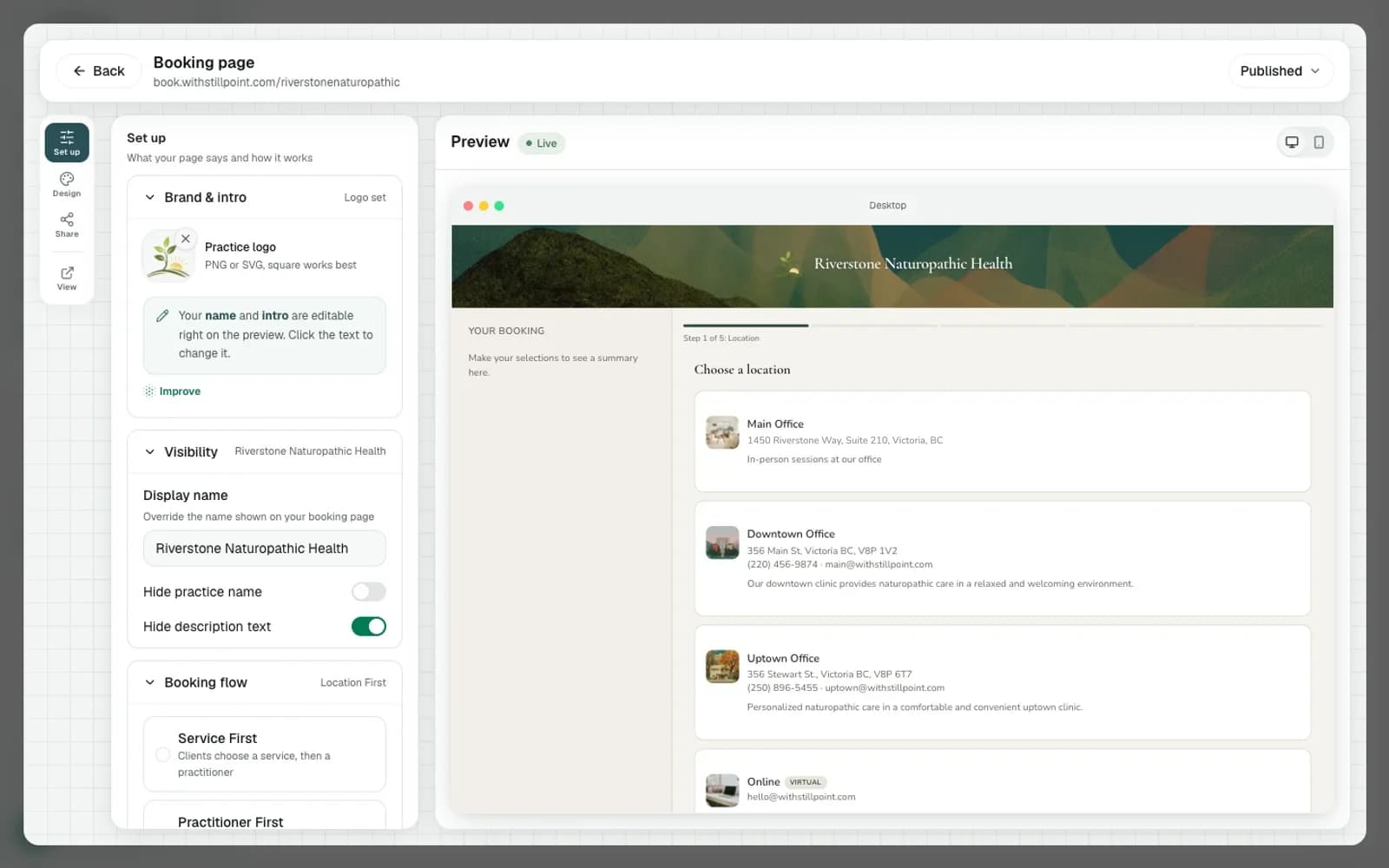
    Review what came across, then switch your booking link. Many practices are set up within a week of sending their export.

    Stillpoint booking page editor beside a client booking preview

What moves

What comes across, and what stays.

Exactly what the Jane App importer reads, so nothing about the move is a surprise.

Comes across to Stillpoint

  • Services and practitionersRead from your public Jane booking link.
  • ClientsFrom the patient list, exported as CSV.
  • AppointmentsReports, then Appointments, exported as CSV.
  • Chart PDFsA ZIP with one folder per client, attached in Documents.

Stays in your Jane App export

  • Intake forms and consentsNot read by the importer. Keep your Jane export.
  • Editable chart notesCharts arrive as PDFs, not as editable notes.
  • Insurance policies and inventoryNot imported.

Checked 12 November 2026. Based on what Stillpoint's Jane importer reads today.

Peace of mind

A move that fits around your clients.

No gap in bookings, no files in email, and help at whatever level you want it.

Three free ways to move

On your own, with us, or done for you. Free on every plan.

No gap in bookings

Keep Jane running while you set up. Switch your link on the day you choose.

Files stay inside Stillpoint

Upload exports in the importer. Do not email client files.

Charts as PDFs

Each chart PDF is matched to its client and attached in Documents.

Pricing

One visible price, in Canadian dollars.

No per-feature nickel and diming. Front desk and admin staff are always free.

Free

$0CAD / month

1 practitioner, 2 services, 8 appointments a month.

Start free

Team

Includes your team

$39.99CAD / month

4 practitioners included, then $8 each. Front desk is free.

Start a 14-day trial

See full pricing

Questions

The short answers.

Prices, files, and what the importer actually reads.

A clients CSV, an appointments CSV, and an optional ZIP of chart PDFs. Your Jane booking link supplies services, disciplines, and practitioners. Intake forms, consents, insurance policies, and inventory are not imported.

Something else?

Ready when you are

Your move is free. Start when you are ready.

Begin on the Free plan or a 14-day trial, and keep Jane App running until the day you switch.