
Comes across to Stillpoint
- Services and practitionersRead from a booking page you save from your browser.
- ClientsFrom the Client Details CSV.
- DemographicsOptional CSV, merged into each client.
- AppointmentsFrom a CSV whose columns match the importer.
Switch from SimplePractice
Free migration on every plan. Bring CSVs and a saved booking page, not the Complete export ZIP.
The move
A saved page and three CSVs. Here is the order that works.
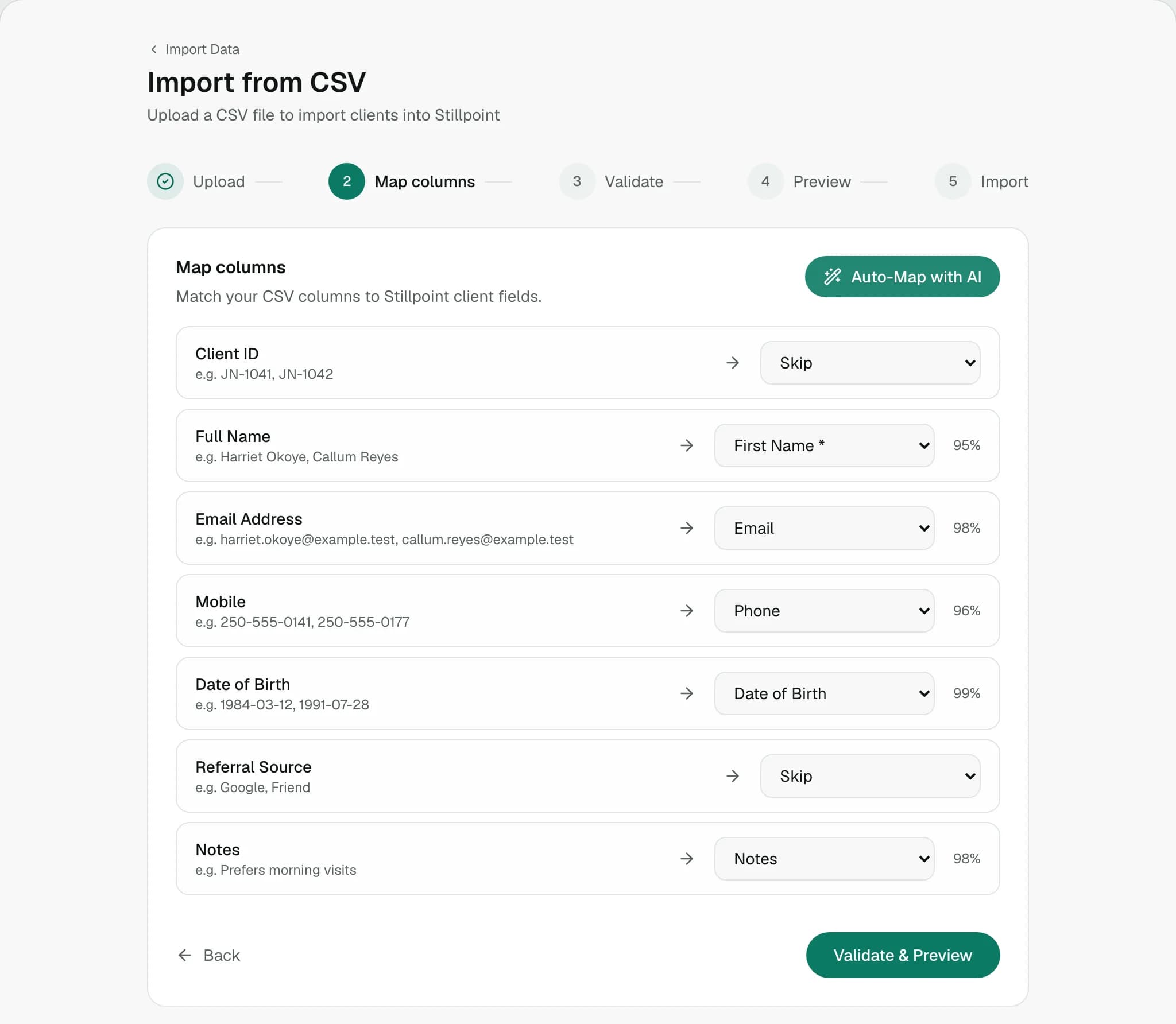
Save the SimplePractice booking page from your browser, then upload it. Stillpoint reads the saved page; a pasted link is not read.
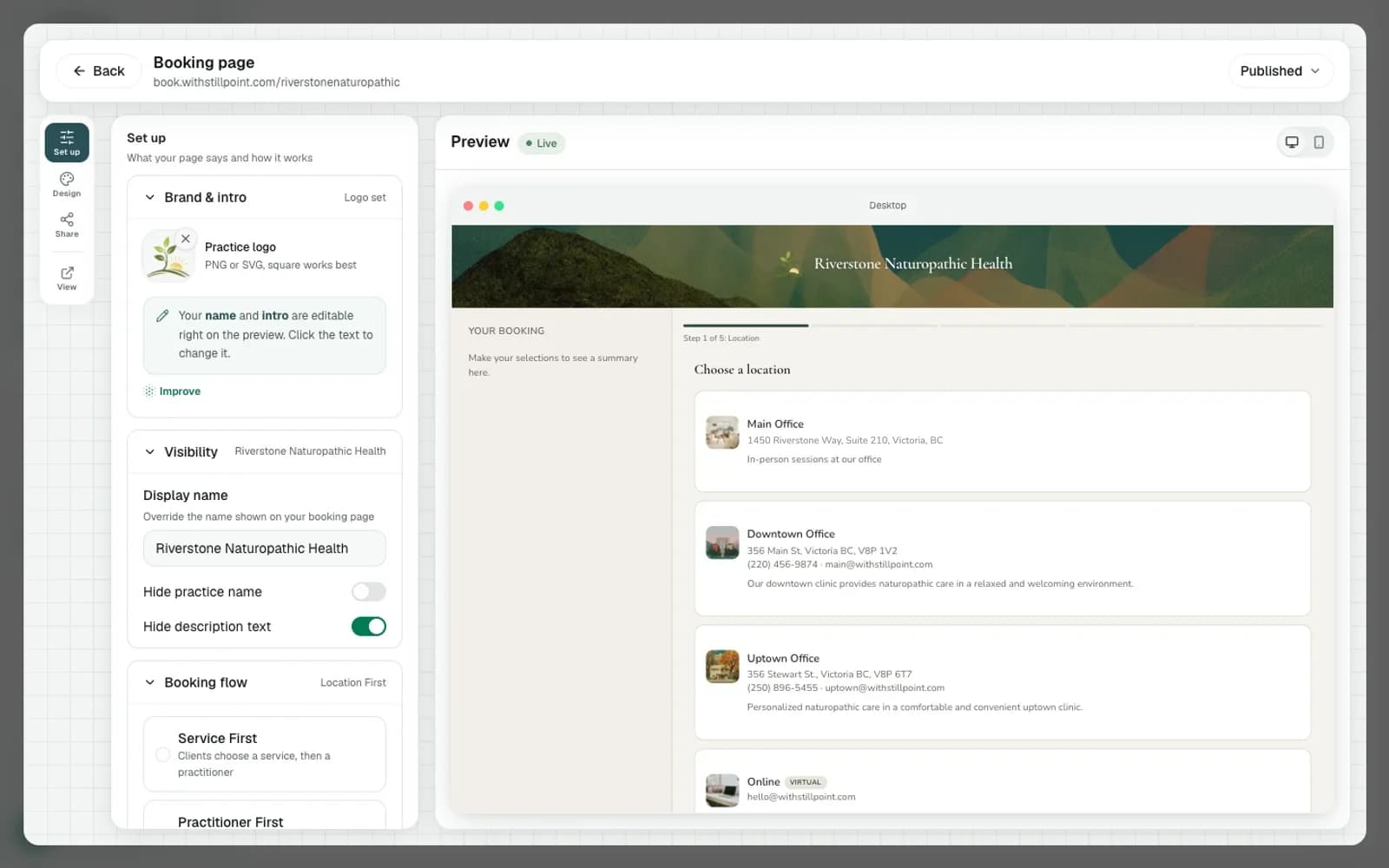
Client Details as CSV. Add the Demographics report if you have it; it fills in birth dates, gender, and address.
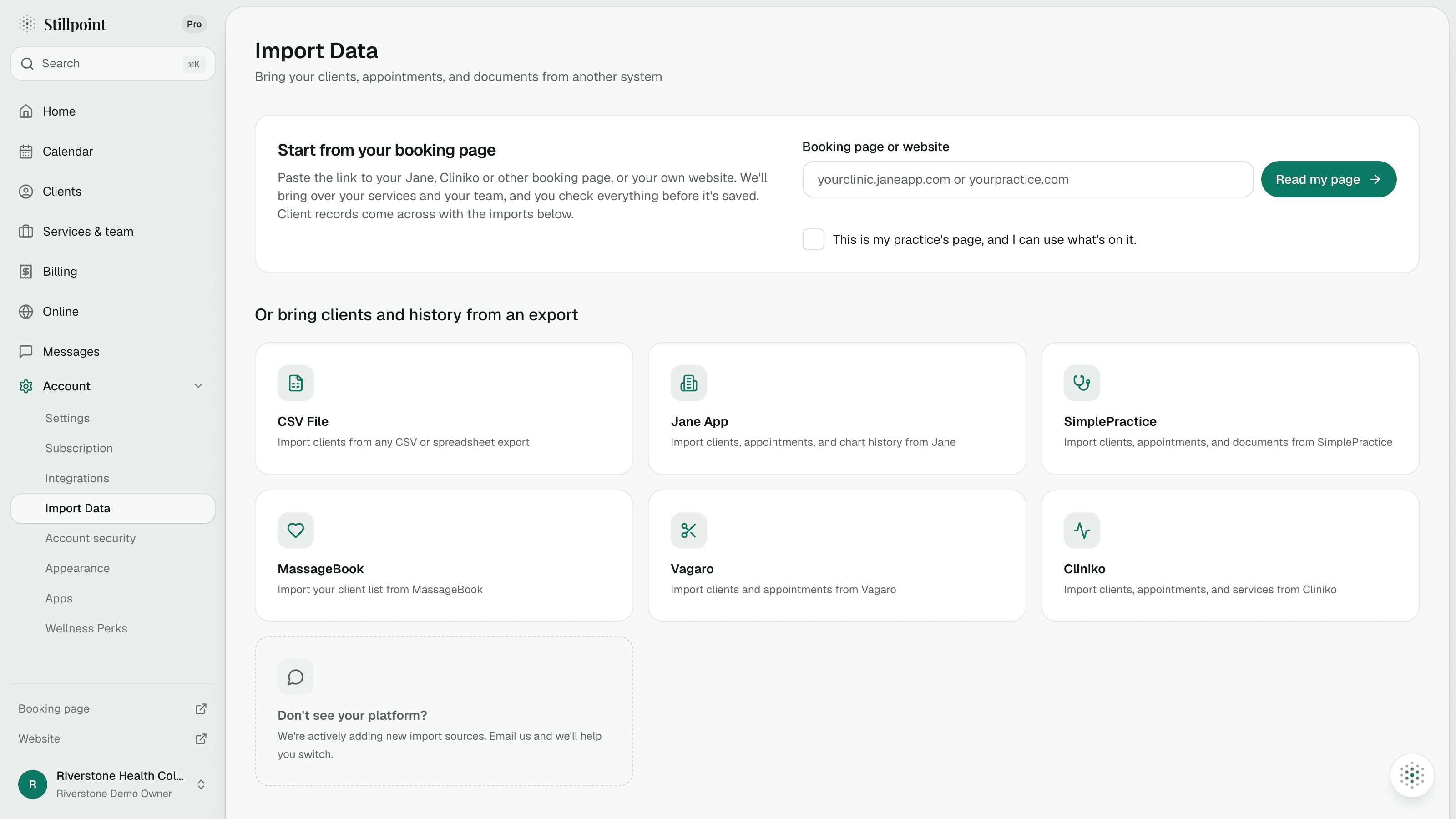
Appointments import when the CSV has Clinician, Service Type, Start Time, End Time, and Fee.
Review the import, then switch your booking link. Many practices are set up within a week of sending their export.
What moves
Exactly what the SimplePractice importer reads, so nothing about the move is a surprise.
Comes across to Stillpoint
Stays in your SimplePractice export
Checked 12 November 2026. Based on what Stillpoint's SimplePractice importer reads today.
Peace of mind
The whole move, without a gap in bookings or client files in email.
Client Details, optional Demographics, and Appointments.
The Complete export is for your records, not the importer.
Switch your booking link on the day you choose.
Upload exports in the importer. Do not email client files.
Pricing
No per-feature nickel and diming. Front desk and admin staff are always free.
Free
$0CAD / month
1 practitioner, 2 services, 8 appointments a month.
Start freeJust Me
$19.99CAD / month
One practitioner. 14-day trial, no credit card.
Start a 14-day trialTeam
Includes your team$39.99CAD / month
4 practitioners included, then $8 each. Front desk is free.
Start a 14-day trialPrices, files, and what the importer actually reads.
No. The importer does not accept that ZIP. Notes, invoices, and Secure Messages are not imported.
Something else?
Begin on the Free plan or a 14-day trial, and keep SimplePractice running until the day you switch.