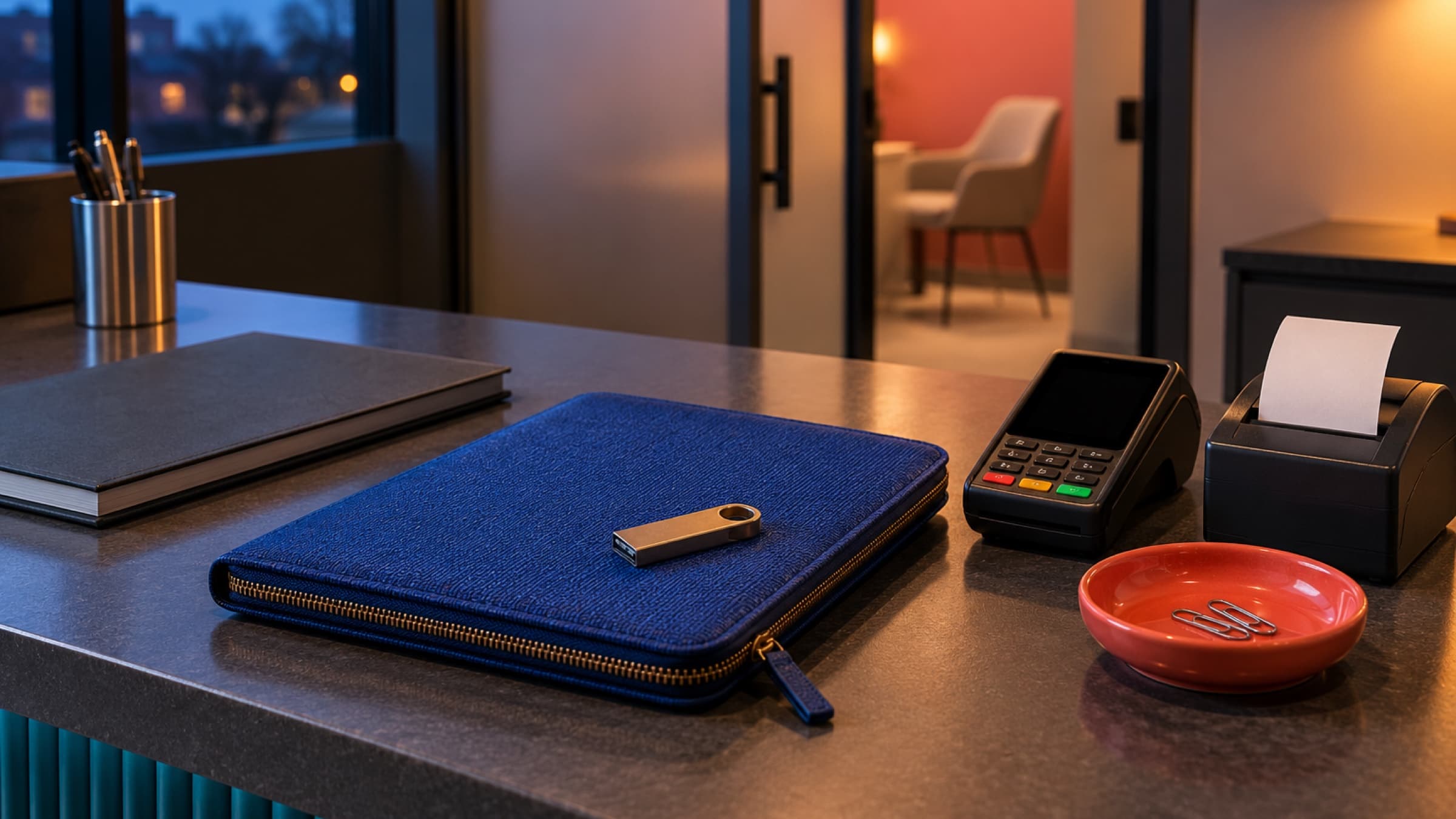
A card on file saves everyone time, but only if the charge is right. A short check before you charge keeps clients trusting the card they left with you.
A saved card is a small act of trust. Every charge you make on it either keeps that trust or spends some of it.
A card on file is one of the nicest things you can offer a returning client. They finish their session, put their coat on and leave. Nobody fumbles for a wallet at the door, and you are not chasing a payment link three days later.
The convenience only works while the charge is right, though. A client who sees an amount they did not expect, or a charge that missed the discount you promised, starts checking every statement from you. A few of those and they ask you to take the card off file.
The fix is not to stop using saved cards. It is to treat each charge as a small, deliberate step: check the invoice, then charge it. Here is a simple way to do that, from what you tell clients at booking to what you do when a card is declined.
Tell clients what the card is for
Most surprises on a statement start with a vague promise at booking. "We keep a card on file" can mean many things. Some clients hear "just in case of a no-show". Others assume it will be charged automatically for every visit. Few expect it to be used for a product they picked up at the desk.
Say it plainly, once, in the place where they save the card and in your booking confirmation:
What you may charge it for: this visit, later visits, add-ons or products they choose, and any fee your cancellation policy describes.
When you charge it: for example, on the day of the visit, once the visit is finished.
That they get a receipt every time.
How to ask for a different card or have it removed.
A short version works well: "We'll charge this card after each visit, for the services and anything you add on the day. You'll get a receipt each time. Reply any time if you'd like to use a different card."
If something does not fit that description, such as a larger one-off purchase, ask before you charge. A quick "Would you like me to put this on the card you have with us?" costs nothing and keeps the agreement clear.
Check the invoice before you charge it
The whole point of charging by hand is the moment of checking. It only takes a minute, and it catches the mistakes that cause most billing complaints. Before you charge, look at:
The services. Is it the visit that actually happened? A 60 minute session booked as 90, or a follow-up that became an assessment, is easy to miss.
Add-ons and products. Did the client add hot stones, take home a tube of balm, or skip the add-on they booked? Put it right now, not with a refund next week.
Discounts and credits. A first-visit rate, a referral thank-you or a gift card balance should already be on the invoice.
Who pays. For couples, families or a client whose employer covers some visits, make sure the invoice is set up for the person whose card it is.
The amount you agreed. If the client is paying in parts, charge the part you agreed, not the full balance.
If anything looks off, edit the invoice first. A draft is the right place for that: you can fix it, charge it, and the client only ever sees the correct version.
Charge at a predictable time
Clients relax when charges arrive when they expect them. Pick one rhythm and keep to it.
For most solo practitioners, the best time is straight after the visit, while the details are fresh and the client may still be in the room. For a busy day, or a practice with a front desk, a short end-of-day run works well: open the day's invoices, check each one, and charge them together. Either way, try not to let charges drift into the next week. A charge that lands days later is far more likely to confuse someone than one that lands the same afternoon.
If you do run a batch, keep a simple default: anything that does not look right gets a pay link instead of a charge. The client can review and pay it themselves, and you have not put a doubtful amount on their card.
Be gentle when a card does not go through
Cards are declined for ordinary reasons. They expire, a bank flags an unfamiliar charge, or a new card arrived in the mail last week. Some banks also ask the cardholder to approve a payment themselves, which you cannot do on their behalf.
When it happens:
Do not try the same card again and again. Repeated attempts can make a bank more cautious, and they can look alarming on the client's banking app.
Send the invoice so the client can pay on their own, with whichever card they like.
Keep your message light and practical: "Your card didn't go through for Thursday's visit, which usually just means it's been replaced. Here's a link to pay whenever suits you. Thank you!"
Most clients pay within a day and are glad you let them know quietly.
Choose between charging by hand and charging automatically
Some practices are better served by charging every invoice automatically, with retries if a card is declined. That suits steady, predictable visits, such as a weekly session at a fixed fee with no extras.
Charging by hand suits you better when invoices often change on the day: add-ons, products, sliding-scale fees, discounts or sessions that run long. It also suits practitioners who simply like to look before money moves. There is no wrong answer. What matters is that clients know which one you use and that the amount is right when it arrives.
Keep a short record of exceptions
Every so often a client will ask you not to charge their card for something, or to split a payment across two cards. Note it where you will see it next time, such as a client note. The next person at the desk, or you in three months, will be glad of it.
How Stillpoint can help
In Stillpoint, when a client has a saved card, owners and admins can open an invoice, choose Actions, then Charge card on file. It shows which card it will use, for example the last four digits, and lets you check or change the Amount before you click Charge, so you can take part of the balance when that is what you agreed. It works on drafts too, so you can add an add-on or a discount and charge the invoice without emailing it first. The client gets the usual receipt, and AutoPay does not need to be on.
For an end-of-day run, the Draft tab on Invoices shows how each draft will be settled. Each one starts as Email pay link, and for clients with a saved card you can switch it to Charge card, tick the drafts you want and send them together. A declined card leaves its draft as it was, with the bank's reason beside the client's name, so you can email it instead. Clients save a card when they book online with a card on file, and the booking page tells them the practice can charge it for that visit or a later one, with a receipt each time. If you would rather have invoices charged on their own, AutoPay is there too. You can read more about payments in Stillpoint.
However you charge, the habit is the same: look at the invoice, then charge it. A minute of checking keeps a saved card working for years.
Collect payments at booking, charge cards at the front desk, send professional invoices, and track every dollar, all from one dashboard. Powered by Stripe for secure, seamless transactions. Start free with no card required.