Make Online Rebooking Easy for Your Regular Clients
Many regulars book their next visit at home, not in the room. Here is how to keep their usual service, person, day and extras easy to find and easy to choose again.
Your regular clients already know what they want. The kindest thing your booking page can do is let them ask for it quickly.
Plenty of advice about rebooking focuses on the last five minutes of a session: the gentle question, the calendar open on your screen, the next visit settled before the client reaches the door. That moment still matters. But a lot of your regulars do not book that way.
They leave in a hurry to collect a child, or they want to check their work schedule first, or they simply prefer to sort it out later. Then, some evening on the sofa, they open your booking page to book "the usual" and find themselves scrolling past twenty services, choosing a length, choosing a person, choosing a location and hunting for a Friday that looks like their last three Fridays.
None of that is hard. It is just more work than a returning client should need to do. A small amount of care on your side makes the online path feel as easy as booking in the room.
Know what each regular's usual actually is
Before you can make the usual easy, it helps to know what it is. For most regular clients it has five parts:
The service and its length. A 60 minute deep tissue massage, a 50 minute counselling session, a follow-up acupuncture visit.
The person. Most regulars come back to one practitioner, and many would rather wait a week than see someone else.
The day. People build visits into their week. Tuesday after work. Friday afternoon before the weekend.
The time. Usually within an hour or so of the same slot.
The place. The downtown room, the home clinic or a video session.
Some regulars also have a habit layered on top, such as an add-on they choose every time or a longer visit once a month. It is worth noticing these patterns, both so your team can mention them and so your booking page does not fight them.
Keep your services steady
Regulars find their way back through familiar names. When a service quietly changes, the path they know disappears.
A few habits help:
Edit services rather than replacing them. If you want to rename a service or adjust its description, change the existing one. Deleting it and creating a near copy breaks the thread between a client's history and what they can book now.
Retire services deliberately. If you stop offering something, tell the clients who booked it regularly what to choose instead, in a short personal message, before they discover it is gone.
Keep practitioner assignments current. If a practitioner stops offering a service their regulars rely on, those clients need a heads up and a suggestion, not a booking page that no longer shows their option.
Be careful with locations. Moving a practitioner's hours to a different room or site is a bigger change for a client than it looks on your side. Say so plainly.
Stable services are good for new clients too. A short, settled menu is easier to read than one that shifts every few weeks.
Protect the times your regulars rely on
A regular's usual time only works if it is still open when they come to book. If your calendar fills up two weeks ahead and they tend to book a week ahead, the usual will keep slipping away from them.
Look at when your regulars typically book compared with when their usual slot fills. If there is a gap, you have a few gentle options:
Offer a repeating series to clients with a steady pattern, so the time is theirs without needing to book each visit.
Check your booking window. If it is short, regulars may not be able to see far enough ahead to book the visit after next.
Leave some recurring time for returning clients rather than giving every slot to whoever books first.
None of these need to be rigid. The aim is that a client who comes every Friday at 3:30 does not have to set an alarm to keep coming every Friday at 3:30.
Remember extras without presuming
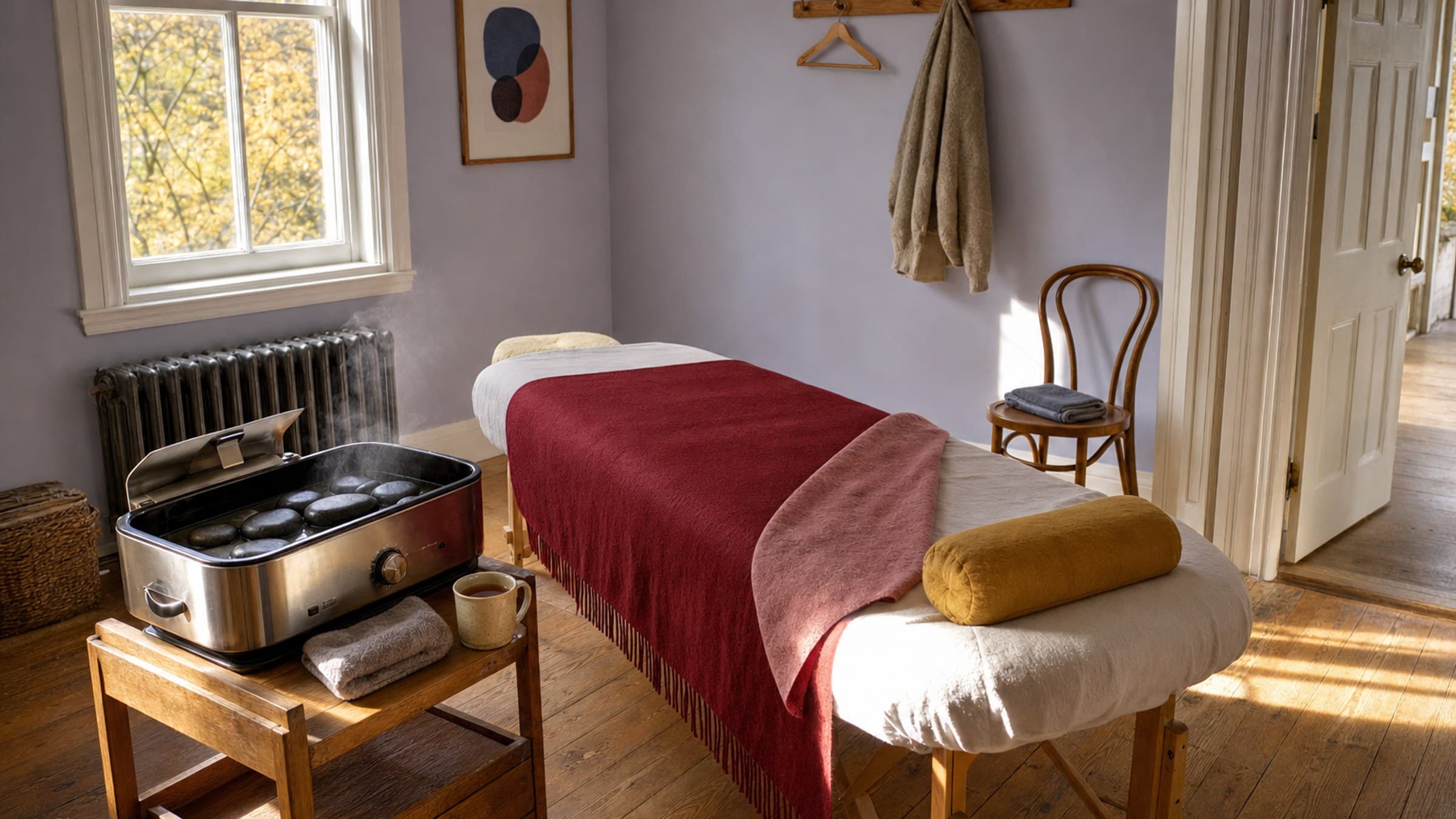
Add-ons are where online booking can feel either thoughtful or pushy. If a client has chosen hot stones on every visit for months, making them tick the box again is a small annoyance. But if they chose it once, as a treat, assuming they want it every time feels like an upsell.
A fair rule is to treat an extra as part of the usual only when it has really become a habit, and to leave the decision visible so the client can change it. Two other points matter:
Prices change. If an add-on costs more than it did last time, do not carry it forward quietly. Let the client choose it again knowing the new price.
Offerings change. If an extra is no longer offered online, or only fits certain lengths, it should not appear in their booking by default.
The same applies to your conversations at the front desk. "Would you like the hot stones again?" is a kind question. Adding them without asking is not.
Let the client choose the time
It can be tempting to remove every step and book the usual automatically. For most practices that goes too far. Weeks are not identical, and a client who is suddenly booked into a slot they cannot make now has to cancel, often feeling slightly guilty about it.
A better pattern is to bring the client straight to the right place, with their usual service, person and day already chosen, and their usual time easy to spot. They still glance at the options and confirm. It takes ten seconds, and the visit they end up with is one they actually chose.
Give them an easy way out, too. Some evenings a regular wants to try something different, book for a partner, or look at a new service. Their usual should be a shortcut at the top of the page, not a wall in front of everything else.
Make signing in painless
Anything personal to a client, like their usual or their history, depends on knowing who they are. That means signing in, and a sign-in that involves remembering a password they set once, a year ago, is a common place for regulars to give up and send you a text instead.
If your system offers a sign-in with an emailed code, mention it to your regulars once, ideally in person: "When you book online, sign in with your email first and it will remember what you usually have." A single sentence like that does more than any setting.
Notice when the usual changes
Patterns shift. A client who came weekly moves to every two weeks as things improve. Someone who always booked on Fridays starts a new job and switches to Mondays. Watch for these changes in your own records, not just in your booking page.
When a regular drifts well past their usual gap with nothing booked, a short, warm check-in is often welcome. It does not need to mention rebooking at all. "We noticed it has been a while and wanted to say hello" is enough, and the booking can follow when they are ready.
How Stillpoint helps
If you use Stillpoint's standard booking page, a client who is signed in to your client portal sees a Book my usual card at the top when their recent visits share a service and practitioner. It names the service, its length and the person, and, when those visits fall on the same weekday, the day and place too. Book my usual opens that service with that person on their next usual day inside your booking window, with the time nearest their usual one marked "Closest to your usual time". It never books on its own, and Something else puts the card away for that visit to the page.
An add-on a client chose on both of their last two visits for that service starts ticked, noted "Added the last 2 times". It stays unticked if its price has gone up since they last paid or it is no longer offered online. Clients sign in to the portal with a 6-digit code emailed to them, with no password to remember.
On your side, each client's page shows their Visit rhythm, and the No next visit list shows how often each person usually comes, so you can see who has drifted. You can read more about online booking and the client portal.
Multi-step email sequences that run automatically. Welcome new clients, follow up after sessions, celebrate birthdays, and re-engage lapsed clients. Without lifting a finger. Start free with no card required.